EasyManua.ls Logo

FeelElec FY8300S-60M - User Manual

Default Icon
52 pages
Print Icon
To Next Page IconTo Next Page
Loading...
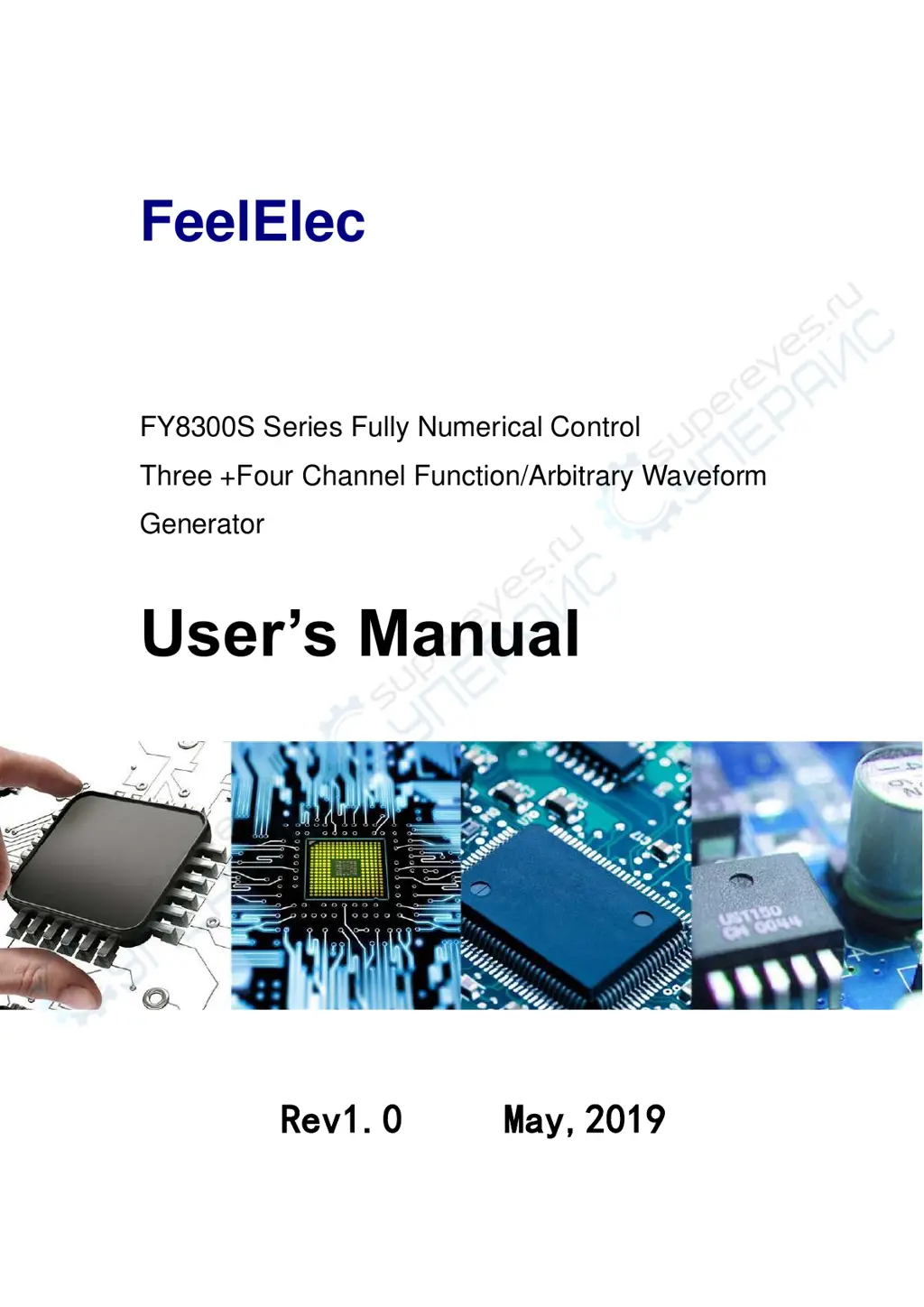
FeelElec
FY8300S Series Fully Numerical Control
Three +Four Channel Function/Arbitrary Waveform
Generator
Users Manual
Rev1.0 May,2019

Questions and Answers

  • V
    Vanessa GonzalezAug 10, 2025
    What to do if my FeelElec Inverter set correctly, but no waveform output?
    • C
      curtisbergAug 10, 2025
      If your FeelElec Inverter isn't outputting a waveform despite correct settings, here's what to check: * Ensure the BNC cable is securely connected to the CH1, CH2, or CH3 connector. * Inspect the BNC cable for any internal damage. * Verify the BNC cable is properly connected to your testing instrument. * Confirm that the indicator lights for CH1, CH2, or CH3 are illuminated. If not, press the corresponding button to activate them.
  • D
    Dana SandovalAug 18, 2025
    How to fix FeelElec Inverter screen if it is still dark after switch on?
    • M
      malikfergusonAug 18, 2025
      If the screen of your FeelElec Inverter remains dark after switching it on, try the following: 1. Ensure the power is correctly connected. 2. Verify that the power switch is fully engaged. 3. Restart the device.
  • A
    Angela StewartAug 29, 2025
    Why are CH2 and CH3 locked on my FeelElec Inverter?
    • A
      Alicia GarnerAug 29, 2025
      To unlock CH2 and CH3 on your FeelElec Inverter: 1. Verify that the signal generator is operating in synchronous state. Press the SYNC button to access the synchronization settings and cancel any synchronization parameters. 2. If the issue persists, restart the generator.

Summary

Main Features

DDS Technology and Signal Quality

Highlights DDS technology for stable, precise, and low distortion signals.

Advanced Functions

Lists modulation, sweep, VCO, burst, and frequency meter functions.

Front Panel Operations

Select Waveform Type

Lists available function/arbitrary waveforms and parameters.

Set Frequency

Frequency Setting Procedure

How to set the frequency using FREQ button, Arrows, and ADJ Knob.

Set Amplitude

Amplitude Setting and Units

How to set amplitude and the difference between Vpp and Vrms.

Set Offset

Offset Adjustment and Range

How to set DC offset and its adjustable range based on frequency.

Set Duty Cycle (Rectangle)

Duty Cycle Definition and Setting

Explains duty cycle for rectangle waves and how to set it.

Set Pulse Wave Pulse Width (Adj-Pulse Wave)

Pulse Width Setting

How to set pulse width for adjustable pulse waveforms.

Set Phase

Phase Setting Procedure

How to set the phase from 0° to 359.9°.

Enable Output

Enabling;Disabling Channel Output

How to turn CH1, CH2, CH3 output on or off.

Example: Output Sine Waveform

Step-by-Step Sine Wave Output

Guide to outputting a sine wave with specific parameters.

Modulation Function

AM, FM, PM, ASK, FSK, PSK Modulation

Details parameters and settings for various modulation types.

Frequency Meter;Counter

Enable the Counter

How to enable the counter and measure signal parameters.

Sweep

VCO (Voltage Control Output) Sweep

VCO Sweep Operation

How to use external voltage for sweep functions like VCF and VCA.

Synchronization

Parameter Synchronization

How CH2/CH3 parameters follow CH1 changes and which parameters are synchronizable.

Troubleshooting

Common Failures and Solutions

Lists common issues like dark screen, locked channels, and no output with solutions.

Technical Specification

Frequency Specifications

Details frequency ranges for Sine, Square, Ramp, Pulse, and Arbitrary waveforms.

Waveform Characteristics

Covers waveform types, storage, sampling rate, and resolution.

Output Characteristics

Amplitude, resolution, stability, and flatness specifications.

DC Offset and Phase Features

Specifications for DC offset range, resolution, and phase settings.

External Measurement Capabilities

Functions and ranges for the Frequency Meter/Counter.

FeelElec FY8300S-60M Specifications

General IconGeneral
ModelFY8300S-60M
CategoryInverter
Output Power3000W
Peak Power6000W
WaveformPure Sine Wave
Efficiency90%
THD≤3%
Protection FeaturesOverload, Over Voltage, Low Voltage, Short Circuit
Cooling MethodFan Cooling
Operating Temperature-10℃~+50℃

Related product manuals