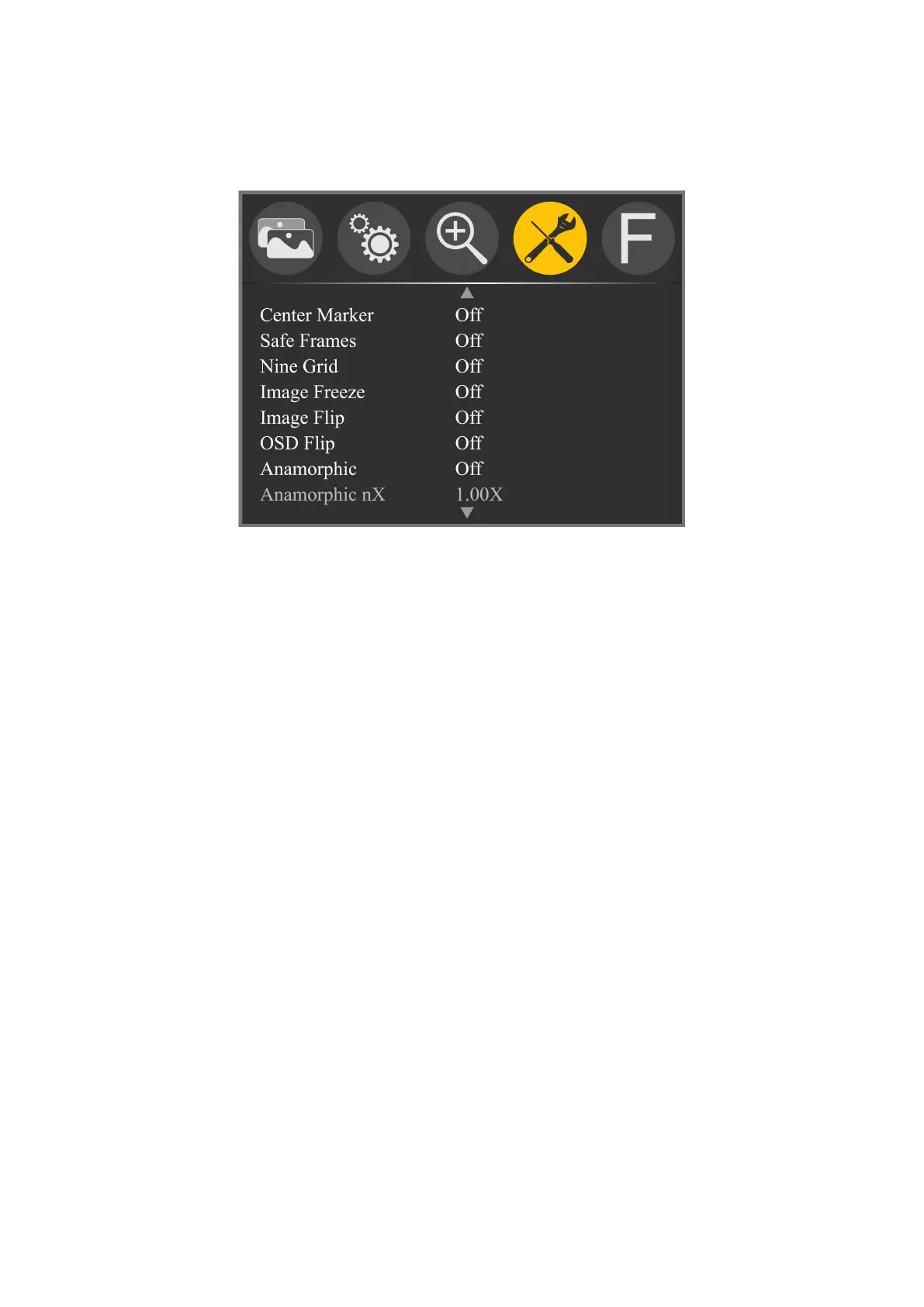
Function (Including 3 pages)
Menu of Page One
★ Center Marker: Off, On
To set center mark (cross mark) display.
★ Safe Frames: Off, 80%, 85%, 90%, 96%, 93%, 2.35:1
To select the screen marker.
★ Nine Grid: Off, On
To make the image segmented into nine grids.
★ Image Freeze: Off, On
The current picture still (capture function).
★ Image Flip: Off, H_V Flip, H Flip, V Flip
Image Flip function.
★ OSD Flip: Off, On
After turning on the Image Flip, turn on this function again
to achieve the OSD Flip function.
★ Anamorphic: Off, 1.3X, 2.0X, 2.0X MAG, User
It uses together with some side screen film lens to restore



 To Next Page