the real proportion of scene. Under the "user" adjustment
item, the Anamorphic nX can be customized.
★ Anamorphic nX: 1.20X~2.00X
Customizable anamorphic adjustment is available.
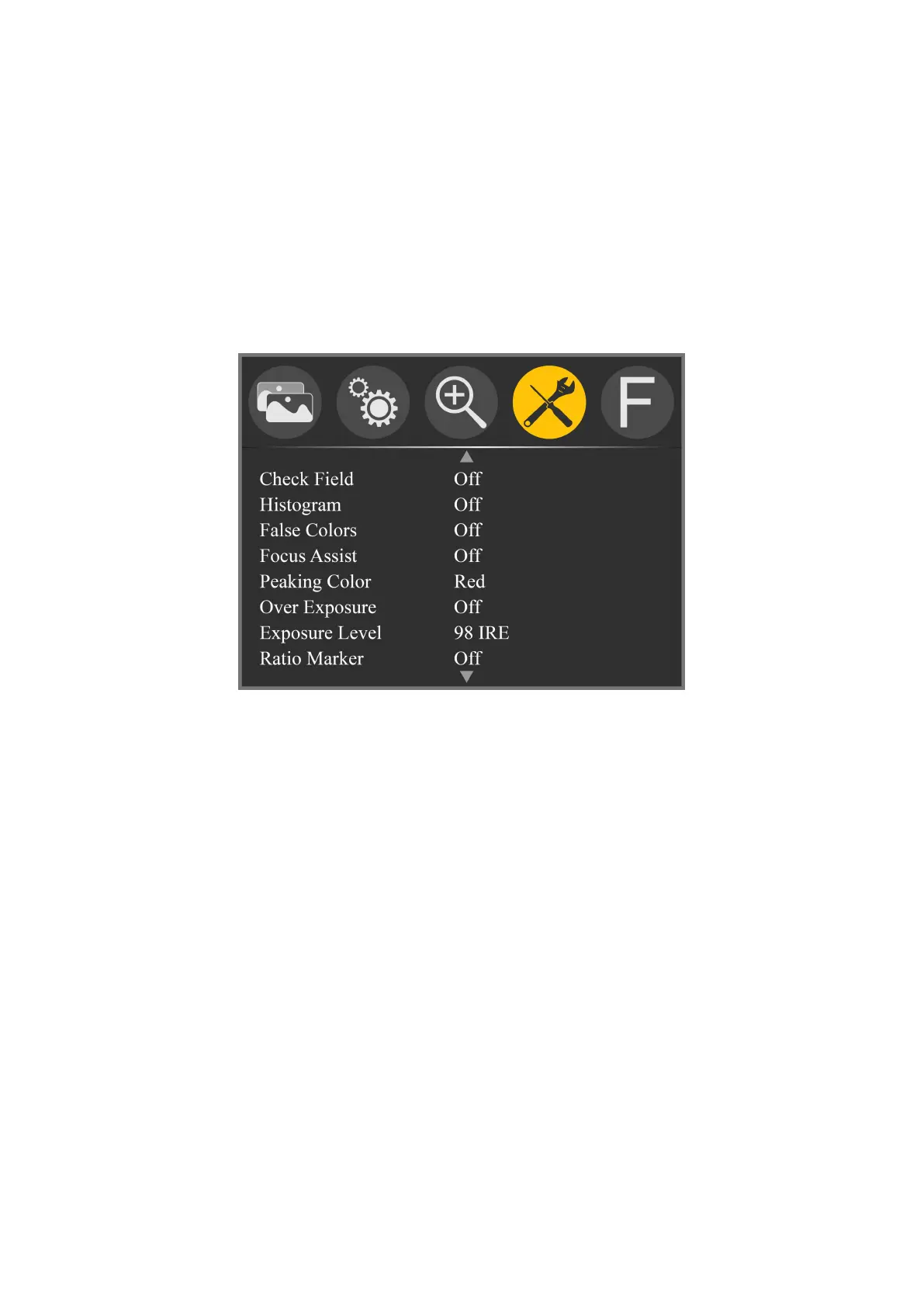
Menu of Page Two
★ Check Field: Off, Mono, Red, Green, Blue
To switch among Color, Mono, Red, Green, Blue.
★ Histogram: Off, On
It stands for the image pixels numbers in each level of
brightness and shows the brightness distribution of pixels
in the image.
★ False Colors: Off, On
It is the analysis of the whole image brightness and
display False Color. It is convenient to guide using light
when shooting and post production.
★ Focus Assist: Off, On
By sharpening the edge of images to help photography for



 To Next Page