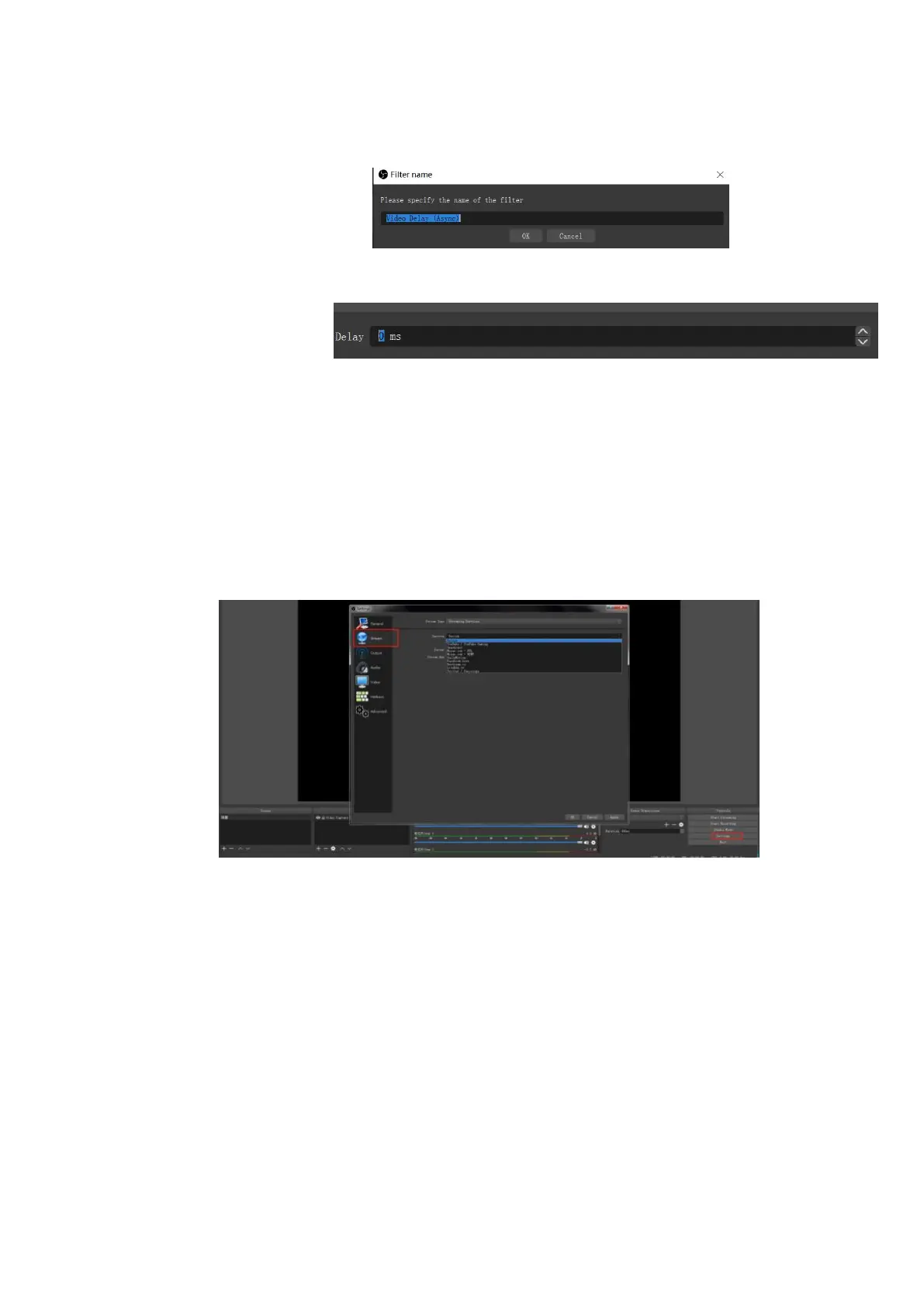
4.You can custom the filter name in the pop-up window. Click OK to confirm the filter name.
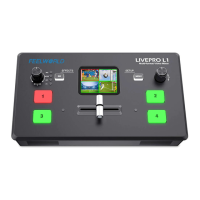
5.Input delay value in ms, the value need to adjusted until the video and audio is synchronous.
Streaming Setting
1. Find the RTMP URL and Stream Key provided by streaming broadcast website.
2. Coy URL and Stream Key
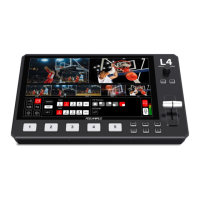
3. Back to OBS, click Setting in the lower right corner and click “Stream”. Choose Stream Type as
“Streaming Service” or “Custom Streaming Server” . If choose “Streaming Service”, there is a list of
streaming service name available in the drop down list of Service. If the streaming service is in the list,
choose it from the list.
If choose Custom Service, just fill in URL and Stream Key.
4. Paste the RMTP URL to Server or URL and Stream Key to Stream Key.
5. Click “Start Streaming”.
6. Go back to live broadcast website and check the broadcasting.


 To Next Page