- 11 -
5.2 Lock/Unlock screen
Lock screen: Single tap to lock screen.
Unlock screen: Single tap again to unlock the screen.
Motor power
PTF
Follow speed
Scenario
Screen locked.Press Power
button to unlock
Motor power
PTF
Follow speed
Scenario
Screen unlock
Lock screen Unlock screen
5.3 Sleep/Wake up
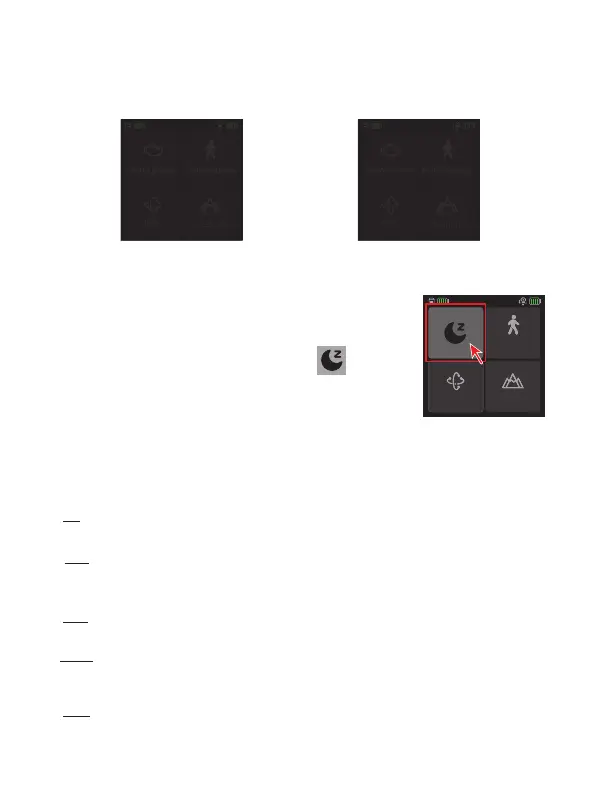
Sleep: Double tap power button to enter sleep mode.
Wake up: Single tap power button or tap the icon
on the screen in sleep mode to wake up gimbal.
PTF
Follow speed
Scenario
6. Function/Modes introduction
6.1 Follow modes introduction
①
PF
(Default mode)
Pan follow, only the pan axis follows the movement of user's hand.
②
PTF
Pan and tilt follow, where both the pan and tilt axes follow the movement of user's
hand, but roll axis does not.
③
FPV
Pan, tilt and roll follow, where all 3 axes follow the movement of user's hand.
④
Lock
All 3 axes do not follow the movement of user's hand, gimbal keeps the direction of
the camera xed.
⑤
FFW
Flash follow, where all 3 axes follow the movement of user's hand in high follow
speed.














 To Next Page