- 17 -
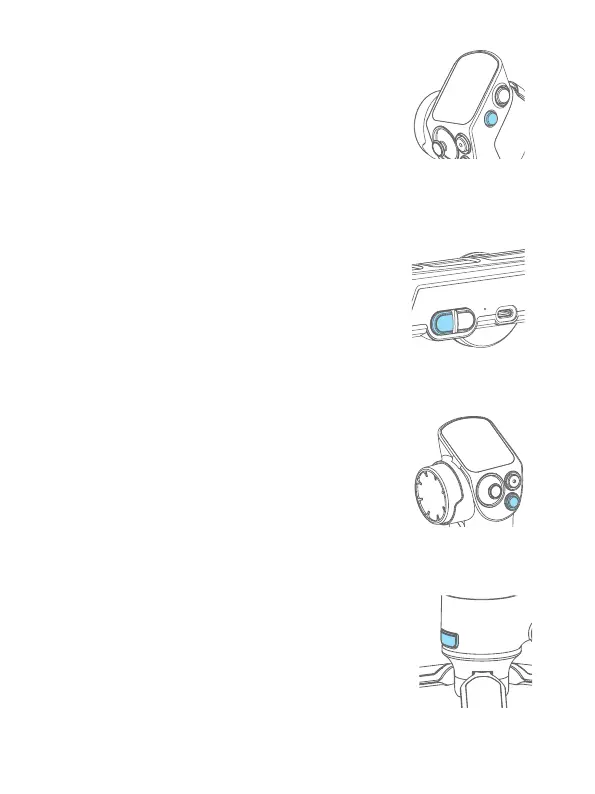
8.1.2 Handle power button
Long press:
Power on/o the whole combination (Remote control
handle installed)
Power on/o the handle (Remote control handle
detached)
Single tap: Wake up
Double tap:
Enter sleep mode
8.1.3 Gimbal mode button
Single tap: Pan follow/Lock mode (Switch in turn)
Double tap: PTF
Triple tap: FPV
8.1.4 Handle mode button
Single tap: Pan follow/Lock mode (Switch in turn)
Double tap: PTF
Triple tap: FPV
Long press: Motion sensing mode (Release to exit)
Motion sensing mode is using while the handle is detached
8.1.5 Trigger button
Double tap: Recenter
Triple tap: Enter/Exit sele mode (Pan axis turn 180° )
Press and hold: PTF (Release to exit)
You can custom the function via APP.














 To Next Page