www.feiyu-tech.com 2322
USB Hub update
Repair/update or newly add control cameras/follow
focus through USB cable, repair the bugs about camera
control, and etc. (Support for AK4500/AK2000S only)
Noted: Gimbal has an update protection function. When the
update fails, restart the gimbal, it will return to the previous
rmware. Connect the app and update again to resolve the problem.
In addition, parts of the new functions require updating two or more
rmware to take eect.
It is recommended to update regularly to keep the firmware of the
gimbal as the latest version.
Please make sure disconnect Wi-Fi between camera and gimbal if
Wi-Fi connection is for controlling camera.
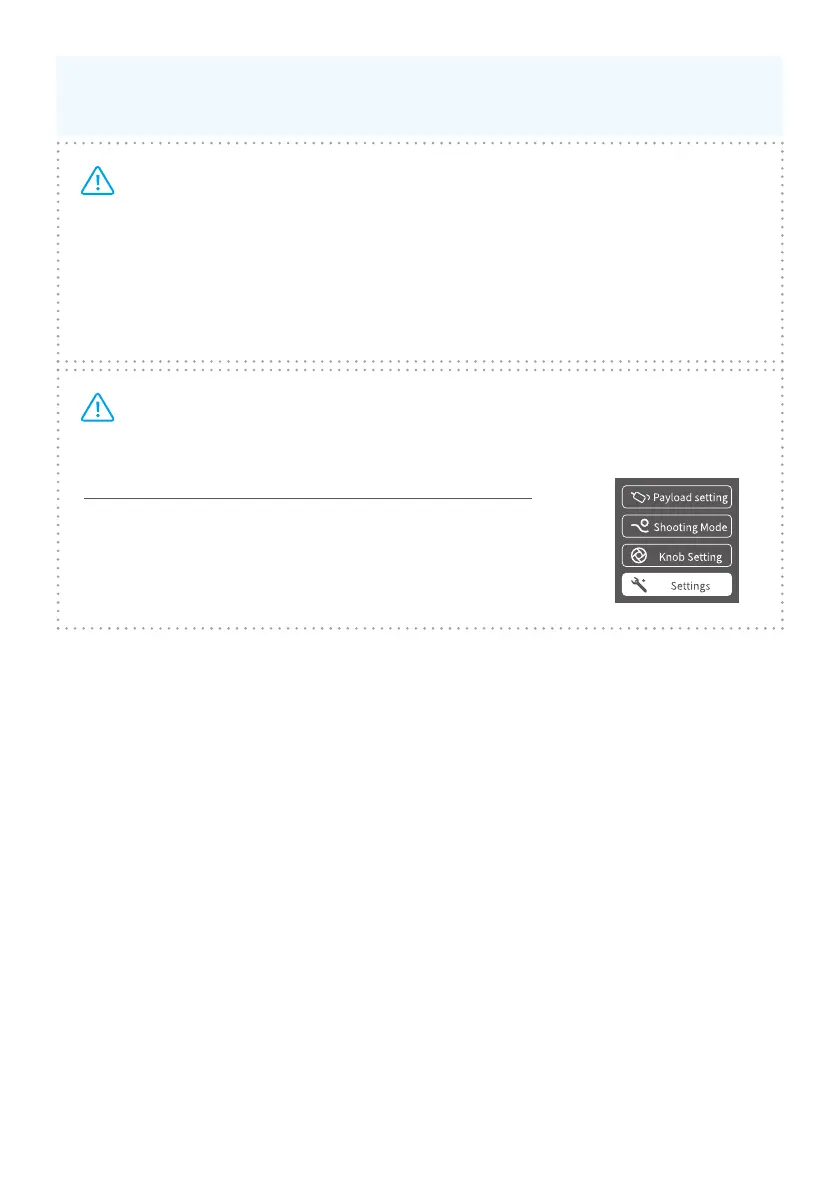
How to disconnect Wi-Fi connection of camera?
When gimbal is on, slide touch screen to the left to
find the settings. Press and hold trigger button, push
up joystick, then click“Settings”to disconnect Wi-Fi
connection.



 To Next Page