www.feiyu-tech.com 22
Steps:
(1) Power on the gimbal.
(2) Select Wi-Fi connection menu on camera (find in setting-network-Wi-Fi ),
keep this page which has Wi-Fi name and its password on.
(3) Login Feiyu ON App (or register).
(4) The App will search around the enable devices. It will show connect
successful the connection is done, if not, please exit and reconnect again.
(5) Tap connect to camera on the App , select the right camera model in the list.
(6) Select Wi-Fi name which get on step (2) in the camera model list on App, input
the password. Most of the function can be achieved on App, such orient control/
mode switch/parameter setting etc. If the connection failed, please conrm if the
password is correct or exit and try to login Feiyu ON App again.
4.3 Firmware Upgrade
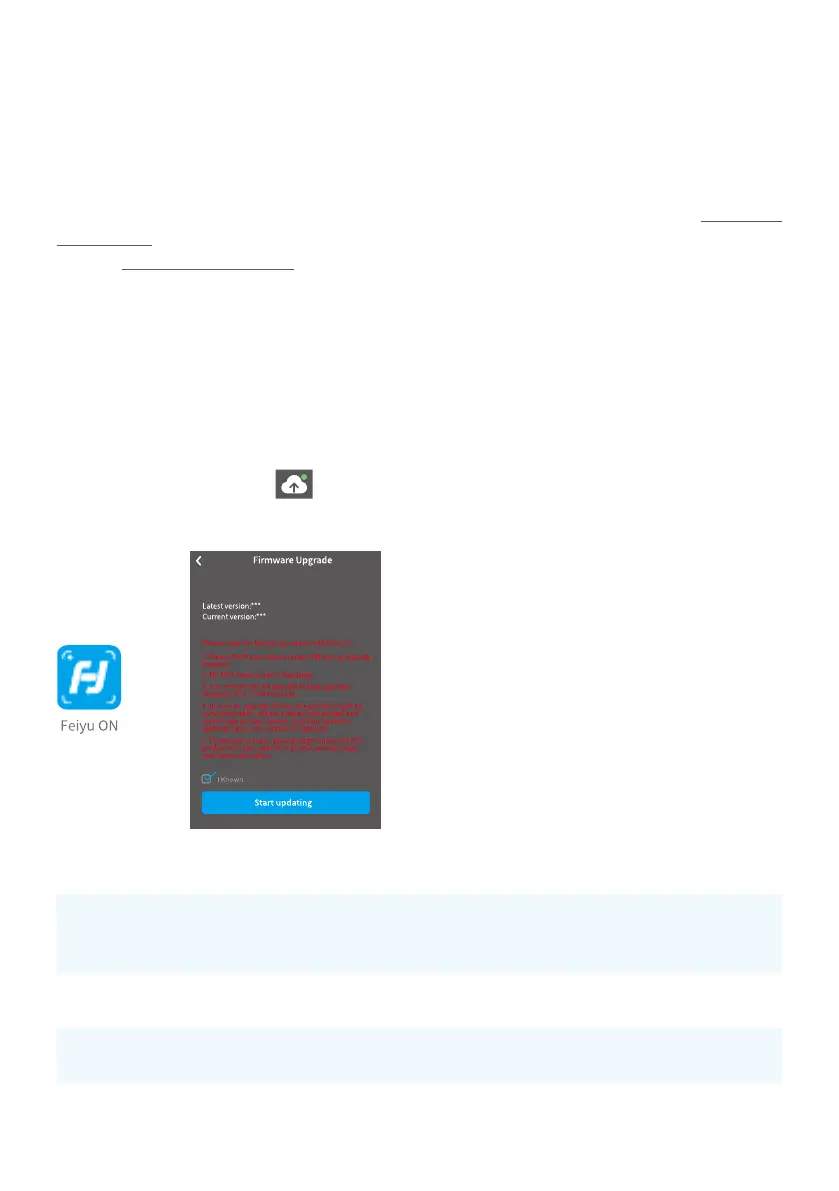
Upgrade rmware via App.
(1) Tap upgrade ICON
on App. (2) Select upgrade type. (3) Follow the
prompts to upgrade the rmware.
Upgrade type introductions
Keyboard update
Repair/update or newly add button/touch screen/
interaction functions, update more compatibility cameras
which can be controlled through Wi-Fi.
Bluetooth rmware
update
Repair/update or newly add Bluetooth functions, update
more compatibility cameras, and etc.
Gimbal rmware
update
Repair/update or newly add gimbal control/function/
parameter and etc.
LED icons update
Repair or update the icons in the screen. (Support for AK
series gimbal only)



 To Next Page