www.feiyu-tech.com 10
⑥ Manual Lock
Slide the tilt axis to a desired position, and hold on for 0.5 second. Set the camera
position accurately and conveniently.
⑦ Auto-rotation mode
Auto-rotation mode helps user setup and automatically taketime-lapse
photography. It can set rotation route and time.
⑧ Inception Mode
Single tap Inception menu on screen, setting rotate speed and direction on the
screen directly.
⑨ Sele Mode
The camera turns 180° horizontally, sele shooting is available.
⑩ Protrait Mode
Single tap Portrait menu on screen to enter portrait mode for livestream/Tiktok.
To get more videography skills with gimbal and it's tutorial, please kindly visit
our ocial or download Feiyu ON App.
http://www.feiyu-tech.com
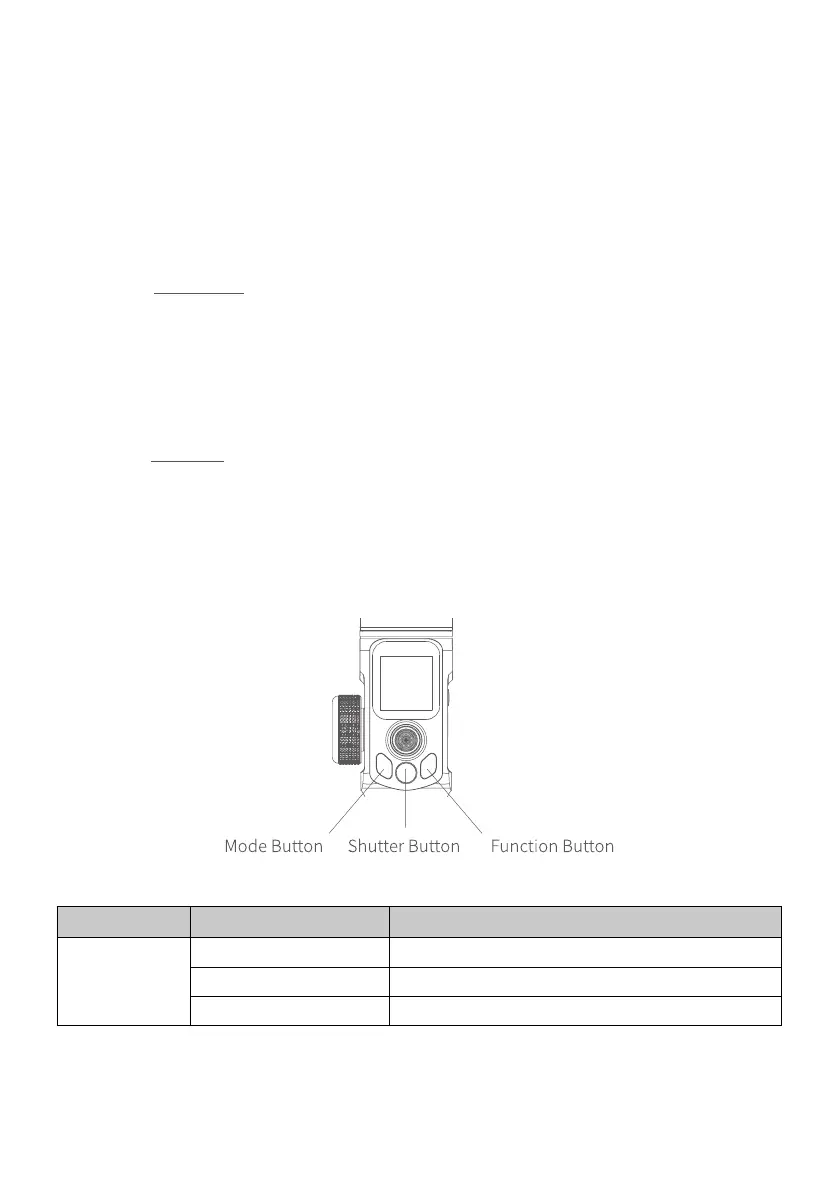
3.2 Button Operation
3.2.1 Mode operation
Button Function Description
Mode Button
Single tap Pan/Lock mode (default mode)
Double tap Pan mode
Triple tap All follow mode



 To Next Page