www.feiyu-tech.com 1110
3.2.2 Shutter button
Button Function Description
Shutter Button
(2stages-way
press: half-way
press & full-way
press)
1. Focus Single tap (half-way press)
2. Photography Full-way press after focusing.
3. Video recording Single tap(fully tap) start/stop
4. Continuous shooting
Long press for 5 seconds, (fully press) ,after
beep sound. Tap again to exit, default shoot 1
time every 5 seconds.
3.2.3 Function button operation
Button Function Description
Function Button Photography/video recording Single tap
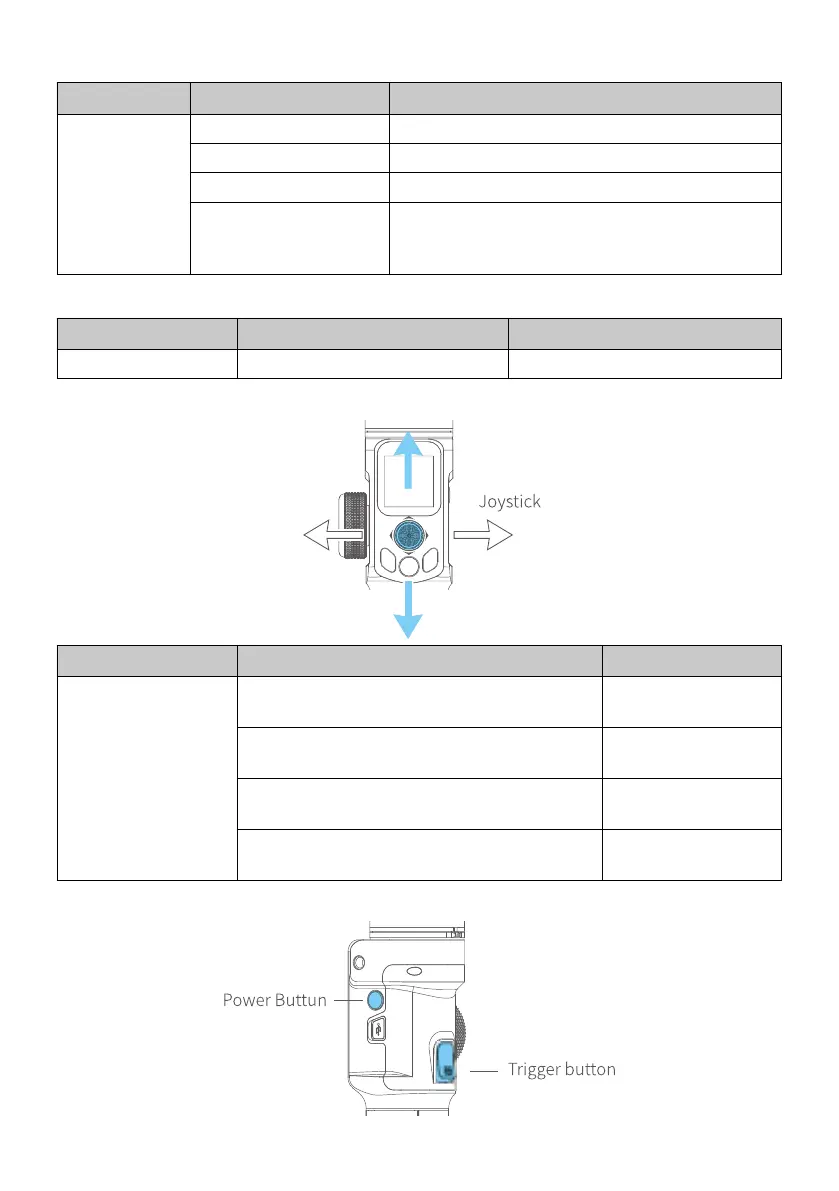
3.2.4 Joystick
Button Function Description
Joystick
1. Camera lens move to upward, select the
option above on display
Move to upward
2. Camera lens move to downward, select
the option below on display
Move to downward
3. Camera lens move to left, select the
option on the left on display
Move to left
4. Camera lens move to right, select the
option on the right on display
Move to right
3.2.5 Power button



 To Next Page