www.feiyu-tech.com 12
Button Function Description
Power Button
1. Power ON/OFF Long press
2. Lock/ unlock screen/ go back to
home page
(Set up the display) Single tap
3. Standby mode Double tap
4. Awaken the gimbal Single tap at standby mode
3.2.6 Trigger button
Button Function Description
Trigger Button
1. Follow mode Press & hold
2. Reset Double tap
3. Sele shooting (Pan axis rotate 180°
to shoot)
Triple tap
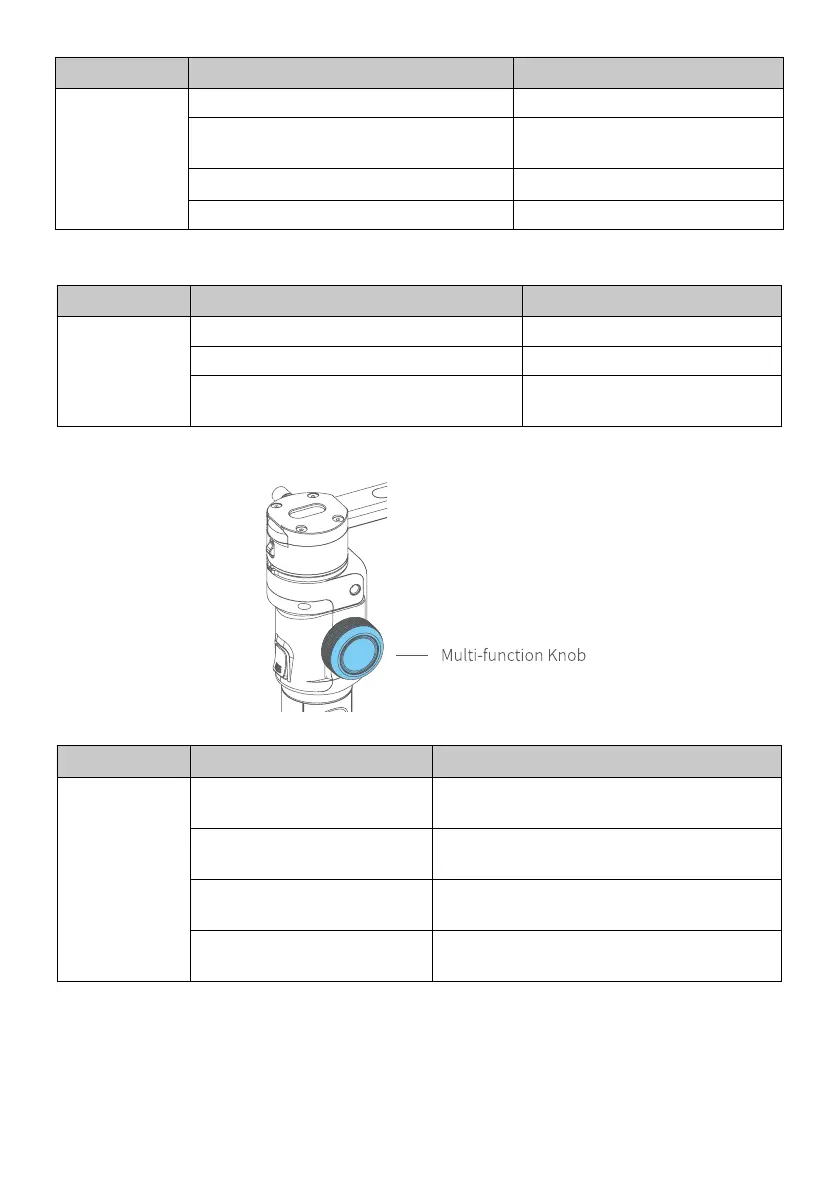
3.2.7 Multi-function knob
Button Function Description
Multi-function
Knob
1. Control the current axis
rotate direction
Rotate knob (default pan rotation mode)
2. Switch between follow
Focus/Zoom
Long press to switch
3. Switch axis rotate among
Tilt/Roll/Pan Axis
Single tap to switch (under the control of
the axis direction mode)
4. Switch between Follow
Focus/Zoom
Single tap to switch (under the control of
the follow focus or zoom mode)



 To Next Page