www.feiyu-tech.com 2524
5.3
Brushless Follow Focus
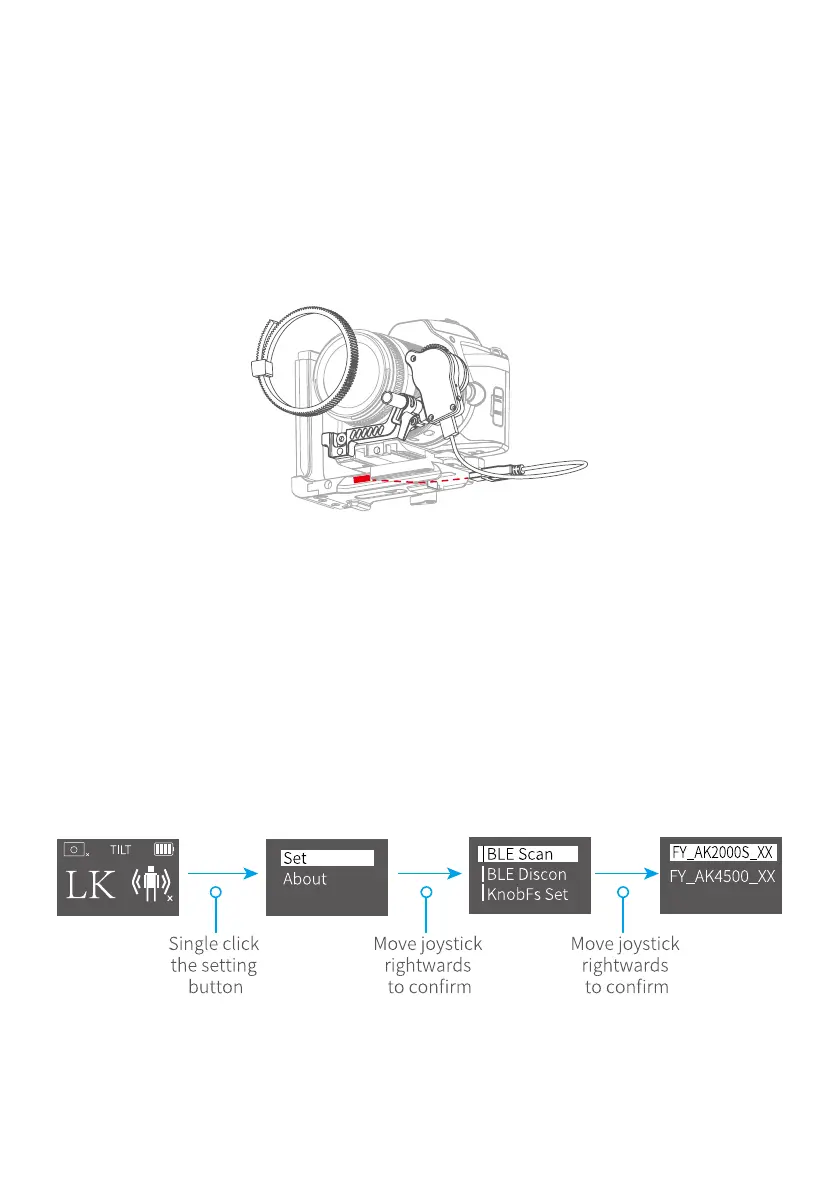
Fix the lens gear on the camera's focus ring position. Fasten the fixed bracket
to the quick release plate of the gimbal with a hexagonal screw, and insert the
aluminum tube.Insert the AKF II into the aluminum tube, lock the fixed thumb
screw on the AKF II, move the aluminum tube to adjust the front and rear
position so as to make the AKF II fear and the lens grar engage, and lock the xed
thumb screw on the xed bracket.Insert the USB cable into the USB port on the
xed plate, installation is completed.
5.4 Hyperlink Remote Controller
Steps to connect to gimbal:
(1) Powering on AK2000S and remote controller.
(2) Tap setting menu on remote controller screen, select bluetooth connection
and connect it.
(3) After successful connection,the function of AK2000S enable to operate on
remote controller, and the tilt/pan movement can follow the movement of the
Hyperlink remote controller.
Please operate on hyperlink remote controller.



 To Next Page