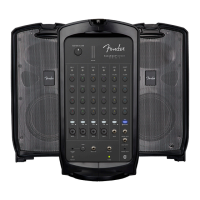
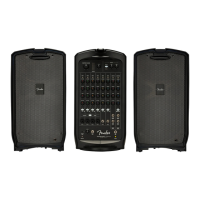
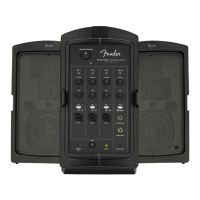
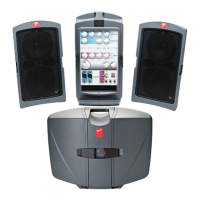
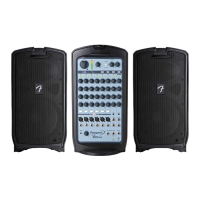
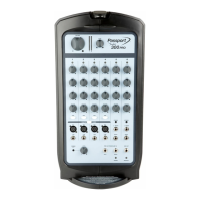
A. MASTER VOLUME: Adjusts overall loudness. No sound is produced at full counterclockwise position.
B. SIGNAL LEVEL METERS: Indicate left/right power amp output signal level. If meters illuminate red, reduce
MASTER VOLUME (A) to prevent distortion and avoid amp overload/shutdown (see item R, POWER/PROTECT
LED, to reset unit after protect-mode shutdown).
C. SIGNAL/CLIP LED: Illuminates green when signal is present; yellow when signal level is -10dB away from
clipping. Illuminates red during clipping (see step 9 under SYSTEM SETUP).
D. CHANNEL VOLUME: Adjusts individual channel loudness.
E. TREBLE/BASS: Adjusts individual channel treble and bass tone, with “flat” response at center-detented position.
F. REVERB: Adjusts individual channel reverb effect.
G. MIC/LINE SWITCH: If signal source level is too high (see step 9 under SYSTEM SETUP), press in to reduce
input sensitivity by 24dB.
H. MONO CHANNEL INPUT: XLR and 1/4″ input for microphones, instruments and other mono line-level sources for
channels 1 through 4.
I. LINE/INSTRUMENT SWITCH: For channel 5 only, switch activates high-impedance (“Hi-Z”) preamp for passive
instruments such as electric guitars and basses. For linelevel input or if clipping (distortion) occurs, disengage switch.
J. 1/4″-ONLY MONO CHANNEL INPUT: Same as MONO CHANNEL INPUT (H) above, but 1/4″ only (no XLR).



 To Next Page
 Loading...