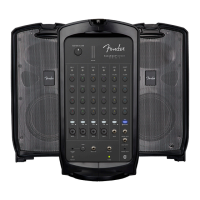
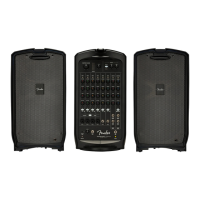
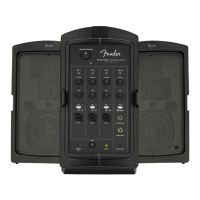
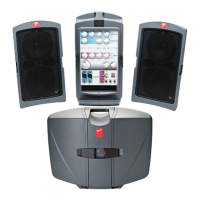
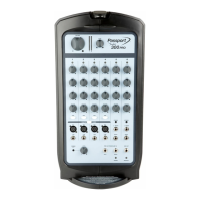
10. SETTING TONE/REVERB: Starting with each TONE control (TREBLE, BASS) in the center-detented position
(flat equalization), set each TONE control to preference for best clear and consistent sound coverage throughout the
area. REVERB controls (green arrows) are not center detented; set these to preference:
Adjust each channel the same way. Use channel VOLUME knobs to set relative loudness of each channel for overall
balance, then adjust MASTER VOLUME knob for overall mix loudness. MASTER VOLUME has a SIGNAL LEVEL
METER just to the right; if meter illuminates red, decrease MASTER VOLUME accordingly.
FRONT PANEL



 To Next Page
 Loading...