EasyManua.ls Logo

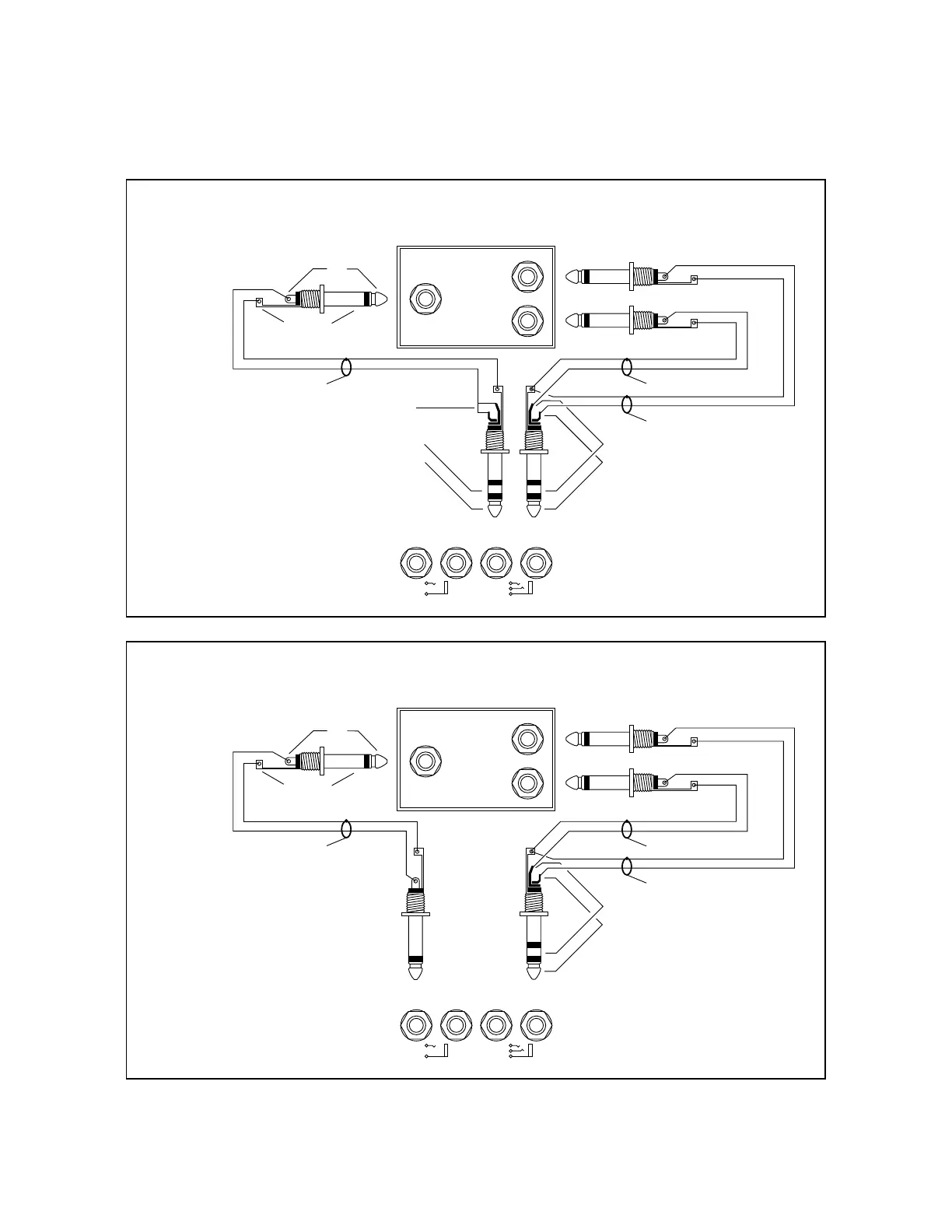
Fender Ultimate Chorus - Mono In to Stereo Out Effects Connection; Alternate Mono In;Stereo Out Effects Setup

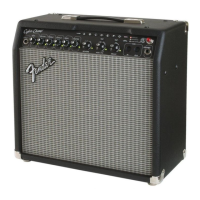
Fender Ultimate Chorus
11 pages
Print Icon
To Next Page IconTo Next Page
To Previous Page IconTo Previous Page
Loading...
TIP
RING
3. For mono in/stereo out effects devices
EXTERNAL
EFFECTS
OUTPUTS
INPUT
MONO FX STEREO FX
SEND RETURN SEND RETURN
L
R
SLEEVE
TIP
SHIELDED CABLE
LEFT
RIGHT
TIP
RING
SHIELDED CABLE
SHIELDED CABLE
Ring and tip are
connected together
Note:
Connecting a mono
input effects device
as shown will cancel
the stereo image of
the internal Chorus.
4. For mono in/stereo out effects devices
(Alternate connection)
EXTERNAL
EFFECTS
OUTPUTS
INPUT
MONO FX STEREO FX
SEND RETURN SEND RETURN
L
R
SLEEVE
TIP
SHIELDED CABLE
LEFT
RIGHT
SHIELDED CABLE
SHIELDED CABLE
TIP
RING
Note:
Connecting a mono
input effects device
as shown will bypass
internal Chorus completely

Other manuals for Fender Ultimate Chorus

Related product manuals