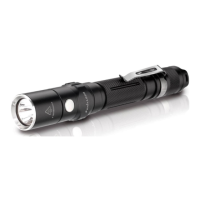
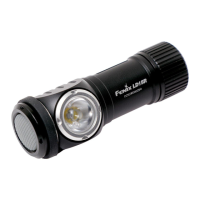
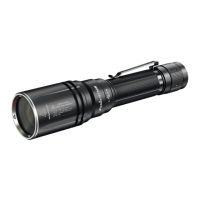
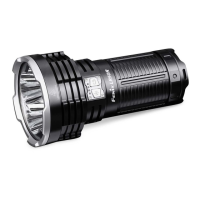
Theleftswitchistheauxiliaryswitchforon/offandoutputselectiononfunctionalmode.
On/off
Pressandholdeitheroftheswitchesfor0.5secondstoturnon/offthelight.
Modeswitching
Ingeneralmode,singleclicktheauxiliary(left)switchtoenterturboonfunctionalmode.
In functional mode,single click the main(right)switchto enterthe previously used output on
generalmode,
OutputSelection
Ingeneralmode,singleclickthemain(right)switchtocyclethrough Eco→Low→Med→High I
→HighII→Turbo.
Infunctionalmode,singleclicktheauxiliary(left)switchtocyclethroughTurbo
→Strobe→SOS.
LockoutFunction
Lock:Withthethelightswitchedoffandunlocked,simultaneouslypressthetwoswitchesfor3
seconds,thelightwillblink2timesonEcotoindicatelockedstatus.
Unlock:Withthelightlocked,simultaneouslypressthetwoswitchesfor3seconds,thelightwill
beactivatedonEco.
*Inlockedstatus,clickingorpressingtheswitcheswillactivate2one‐secondblinkstoindicate
lockedstatus.
InstantTurbo/Strobe/SOS
Withthelightswitchedoff,pressandholdtheauxiliary(left)switchfor0.5secondstoenterinstant
turbo,singleclicktheauxiliaryonceagaintoenterstrobeandthenSOS.
IntelligentMemoryCircuit
Ingeneralmode,thelightmemorizesthelastselectedoutput.Whenturnedonagainthe


 To Next Page