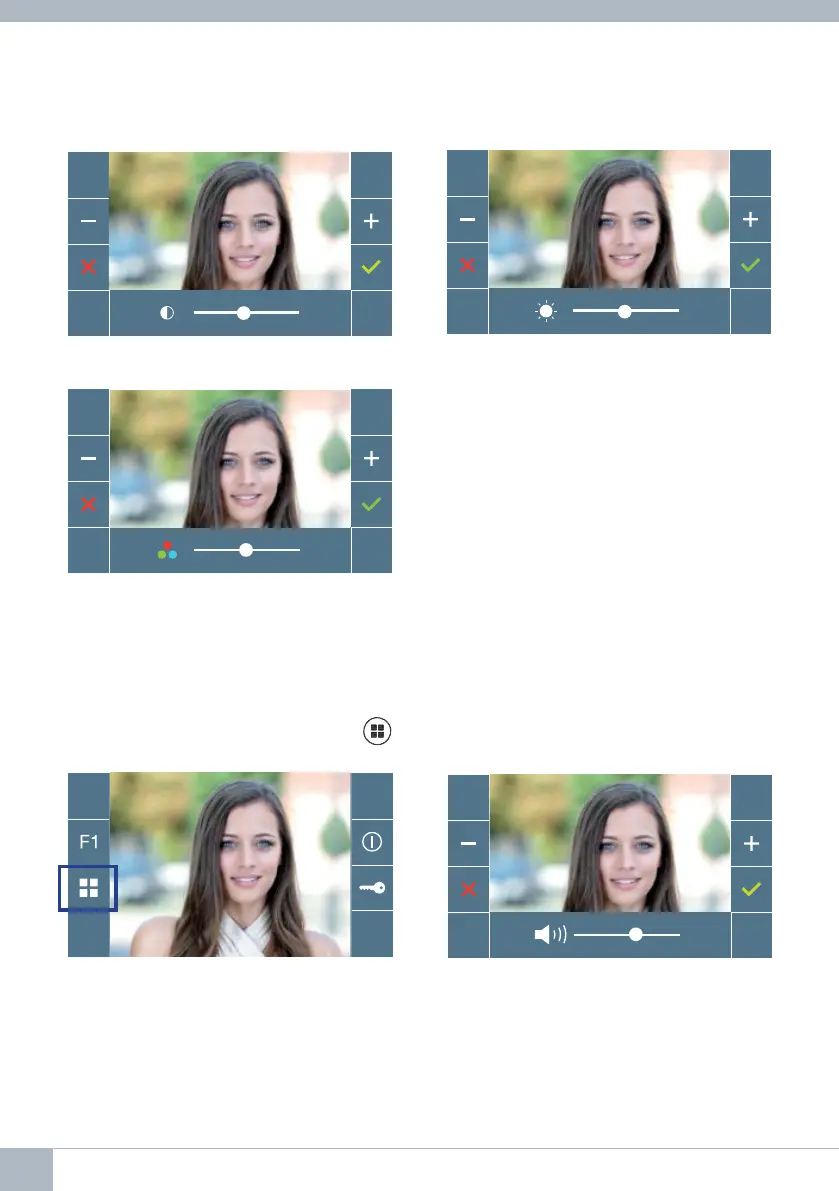
Colour
Note: You will have 30 seconds to change the Video Settings, and when this time is up
the monitor will return to idle mode.
Contrast
Brightness
5.2 SETTINGS: AUDIO SETTINGS
While it is open, the audio channel can be used to adjust the volume of the audio. To make
audio adjustments, press the button
(menu) and a shortcut menu for that setting will
be displayed.
22 DUOX VEO MONITOR









 To Next Page