When you receive a call from the outdoor panel, it is possible to open the door at any time
by pressing and holding the button
.
When you press the call button on the Outdoor Panel, a calling tone will be made on
that panel and on the monitor, and the screen will switch on. When you receive a call,
you have 30 seconds to answer before the device returns to idle. During this time, the
red LED will turn off to indicate that you have a call waiting.
You may unhook the receiver and hold a conversation with the outdoor panel. Com-
munication will end automatically after 90 seconds, or whenever the button is pressed.
FUNCTIONING
1. FUNCTIONING: ANSWERING A CALL. Receiving a call.
Notes:
- If there are several monitors / telephones in the same dwelling, only the fi rst to pick up
will receive audio, with the other monitors / telephones returning to idle mode. Trying to
pick up any of them will result in a ‘line busy’ tone.
- If communication is not established (by unhooking the receiver) with the outdoor panel,
the monitor will switch off automatically after 30 seconds.
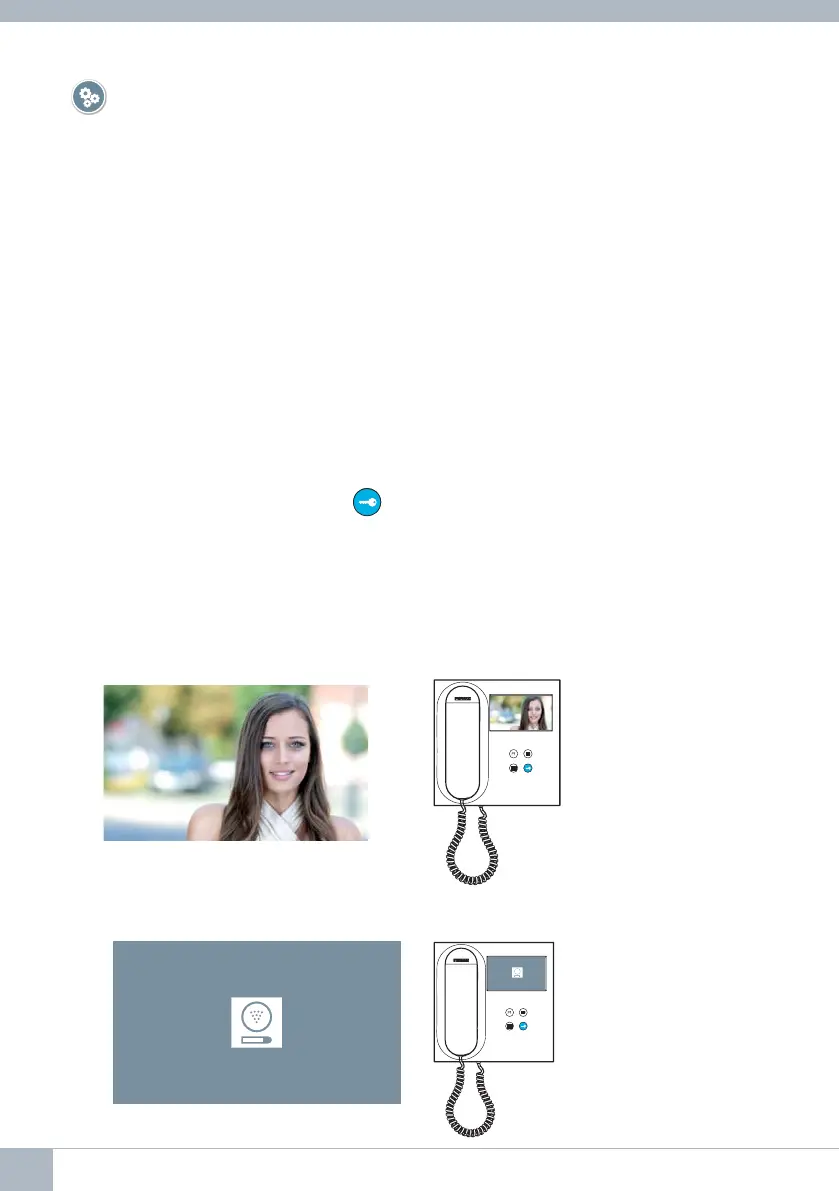
1.1 Video call.
Should the apartment receive a call from a video panel, the monitor will display the
video captured by the camera in the outdoor panel.
1.2 Audio call.
Should the apartment receive a call from an audio panel, the monitor will display the
following screen:
24 DUOX VEO MONITOR









 To Next Page