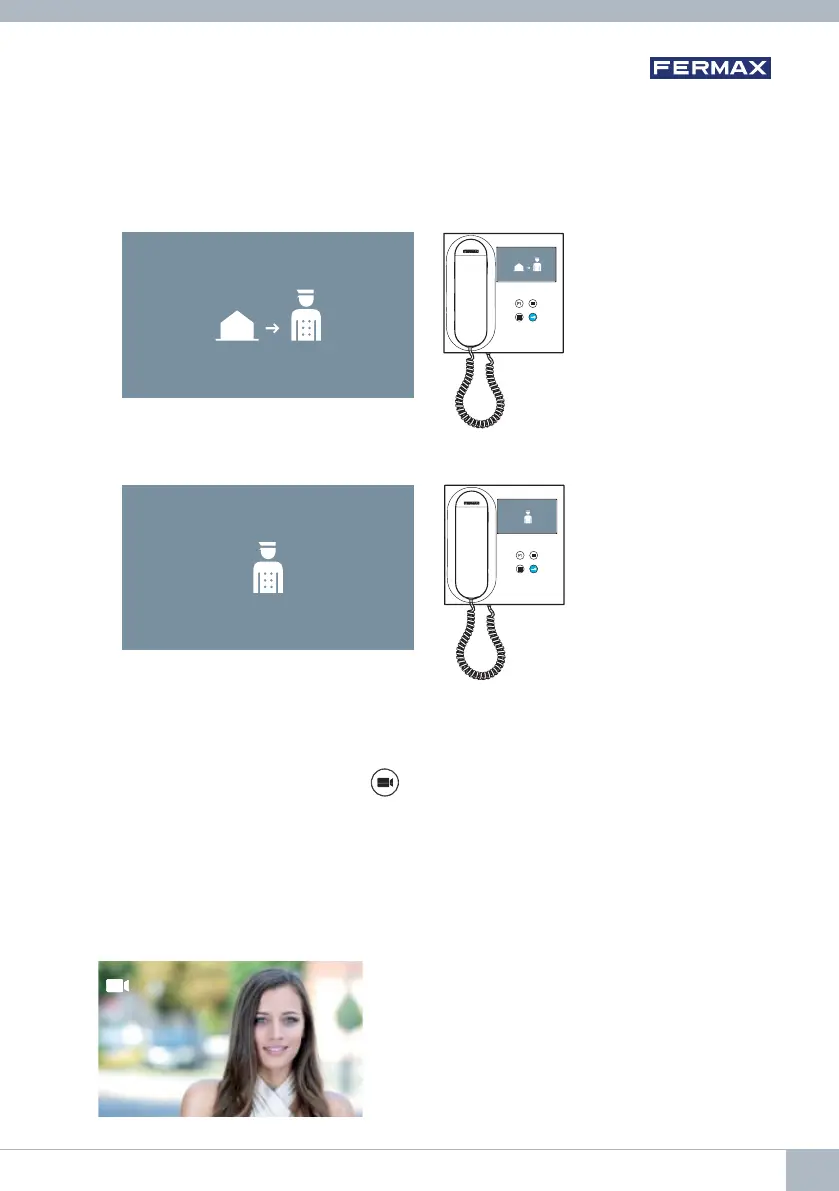
1.3 Calls to concierge.
If a monitor is confi gured in MIXED or DAY mode, pressing the door lock button while
it is on standby will initiate a call to the last guard unit that confi gured it in this mode.
The monitor screen will display the following image and a ringing tone will sound.
If you receive a call from the concierge on the indoor monitor, the following image
will be displayed:
2. OPERATION: ACTIVATING THE MONITOR MANUALLY (AUTO-ON)
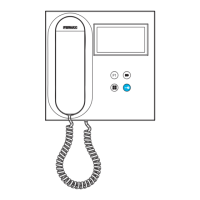
With the monitor on standby, press the
(camera) button to turn the monitor on manually.
The total timings for preview without audio (30 seconds) and conversation (90 seconds)
stay the same, even if you change cameras.
Auto-on on standby:
1. If the previous call from the panel ended less than 15 seconds ago, the panel will
be called again: R.
R
DUOX VEO MONITOR 25









 To Next Page