Panel identifi er
2. If the previous point does not occur, auto-on begins with the different panels visible
on the monitor.
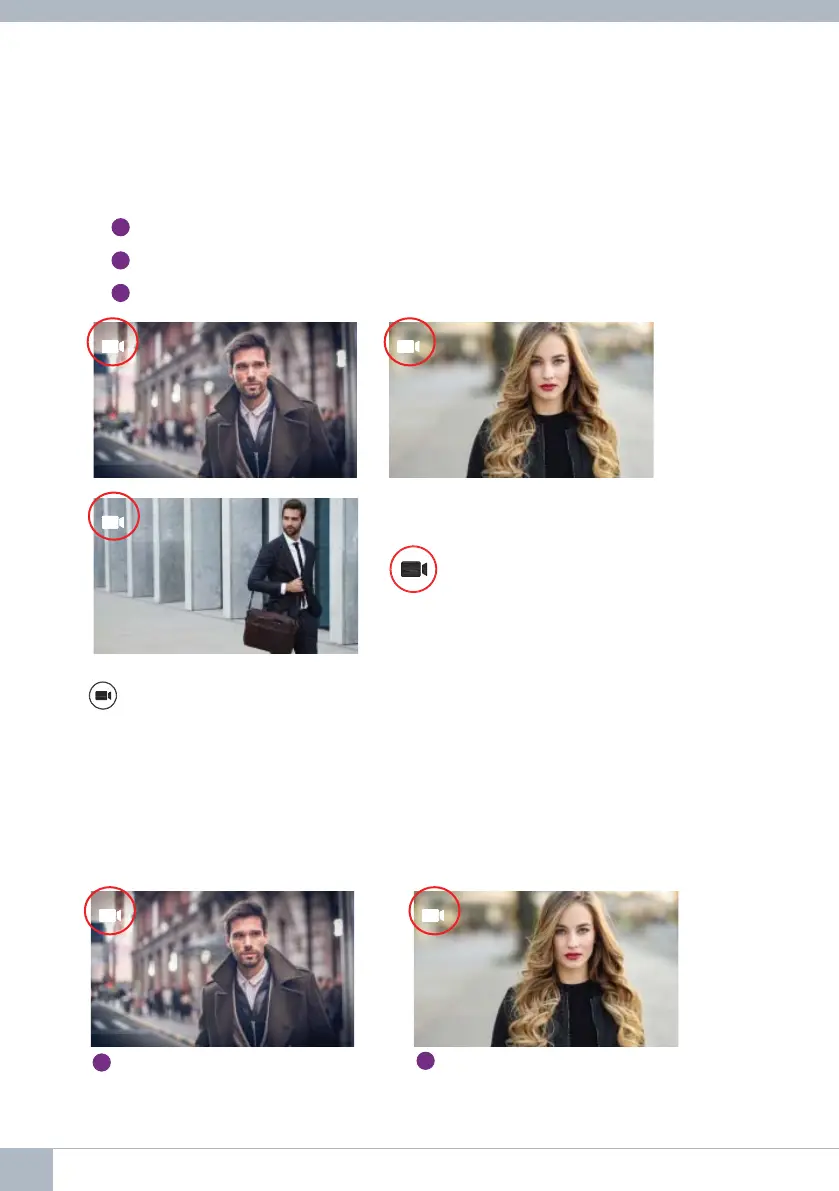
Press panel 0, panel 1, general panel in sequence (depending on the availability of
panels).
1
Panel 0 or camera 0 of the monitor block.
2
Panel 1 or camera 1 of the monitor block.
3
Panel 0 or camera 0 of the General Entrance.
0 1
G
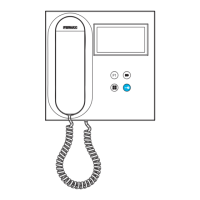
Once communication with a panel is established, you can change it by pressing the
button (camera).
Auto-on during incoming call:
1. If the call corresponds to a panel in the sequence described in the previous point,
the auto-on will begin for the next panel in the sequence.
2. If the call is NOT from a panel, auto-on will begin with block panel 0, (depending on
panel availability), and follow the sequence:
0 1
1
Panel 0 or camera 0 of the
monitor block
2
Panel 1 or camera 1 of the
monitor block
26 DUOX VEO MONITOR









 To Next Page