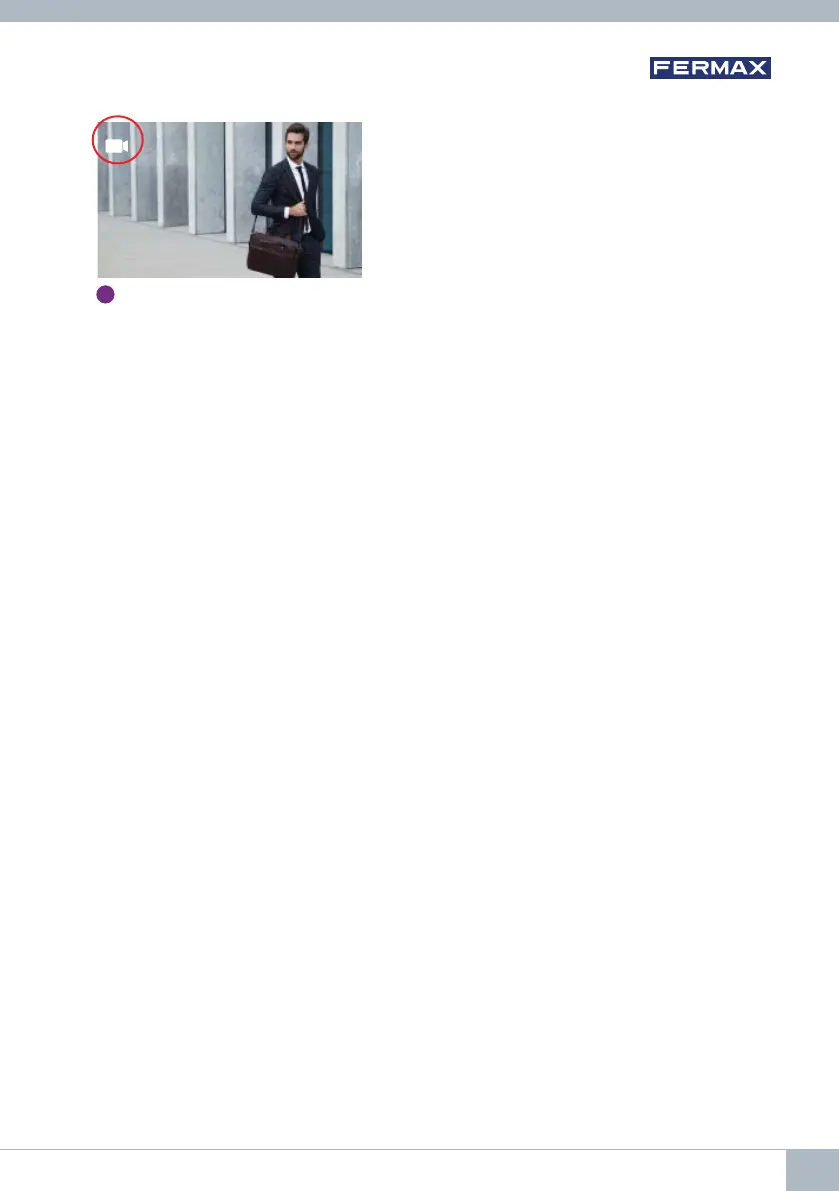
Notes:
- Auto-on only works with suitable panels. If you are unable to effect auto-on, please consult
your installer. If it is unable to connect to any of the three possible panels, the monitor
will issue an error tone and return to its idle state.
- Once a conversation with a panel is over, pressing the auto-on button within the following
15 seconds will reconnect you to that panel.
- In the case of auto-on without audio, if the door is opened within 5 seconds, the call will end.
• Various cases of a second monitor performing an auto-on can be distinguished:
o The fi rst monitor is in auto-on mode, and has not established a conversation with audio:
in this case, the second monitor cannot perform an auto-on.
o The fi rst monitor has performed an auto-on and has established an audio conversation:
the auto-on can begin.
o In any case, when the fi rst monitor’s conversation or auto-on with video only ends, the
second monitor may perform an auto-on.
G
3
Panel 0 or camera 0 of the
General Entrance
3. FUNCTIONING: IMAGE DISPLAY
Function allowing you to see all images captured. The image capture function must be pre-
selected.
See chapter 4.5 User Menu - 4.5.3 Activation/Deactivation of images.
When a call is made from the outdoor panel, (the image capture function must be pre-selected), a
photo is automatically taken 3 seconds later and stored in the memory.
Note: The maximum number of images that can be stored is 150, if a new image is stored
while the memory is full, the oldest image will be erased.
DUOX VEO MONITOR 27









 To Next Page