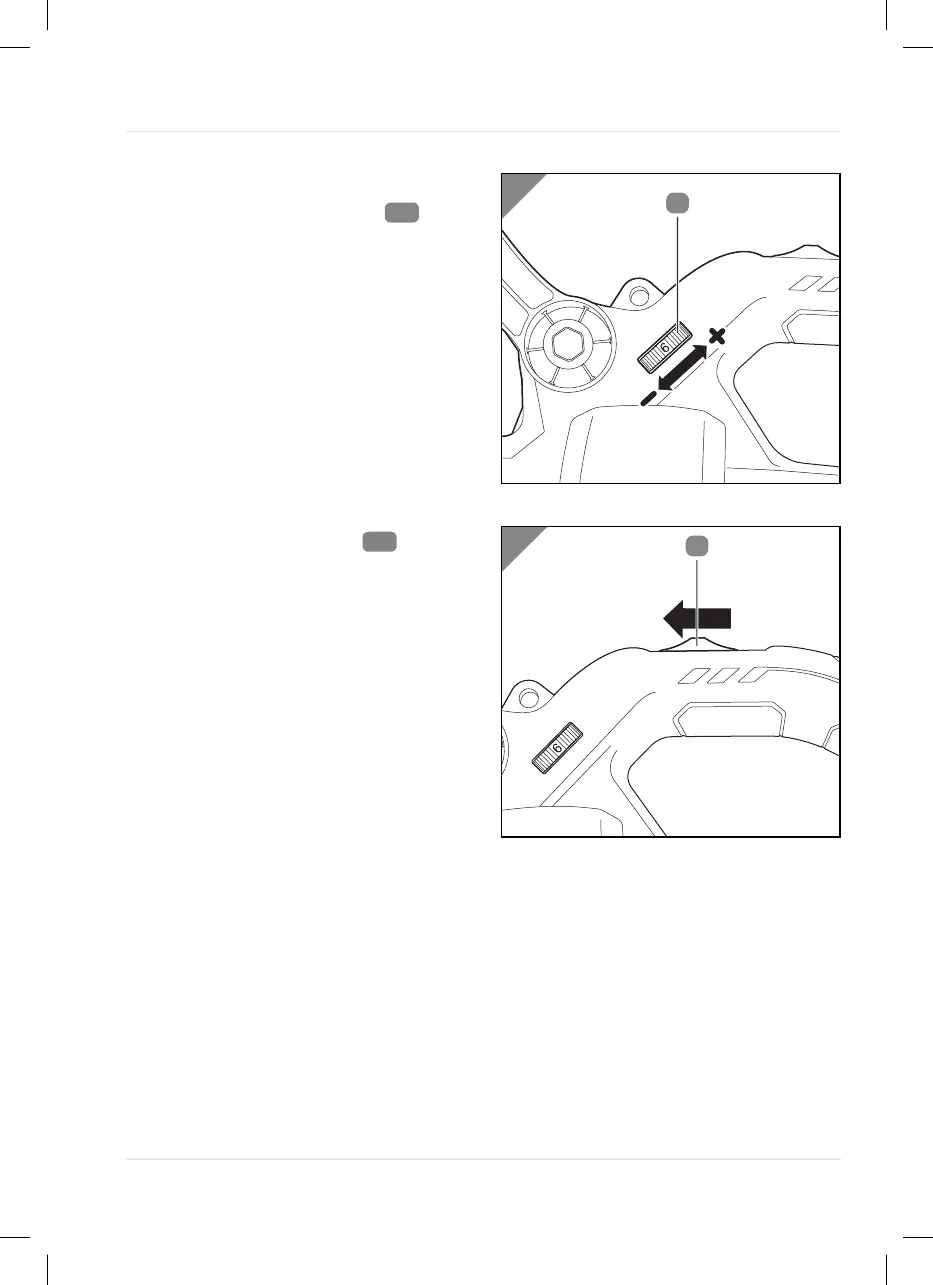
Setting the speed
- Set the speed of the device by turning
the variable speed control
.
a. Turn the variable speed control to
the left (-) to reduce the speed.
b. Turn the variable speed control to
the right (+) to increase the speed.
Turning the device on and off
- Slide the ON/OFF switch
in the
direction of the arrow (position I)
The device is switched on.
- Slide the ON/OFF switch in the opposite
direction (Position 0).
The device is switched off.
Operation
21



 To Next Page