Via SETUP you can access the basic settings of the device. Further information can be
found in the next chapter.
13
PRESET & SETUP
PRESET
SETUP
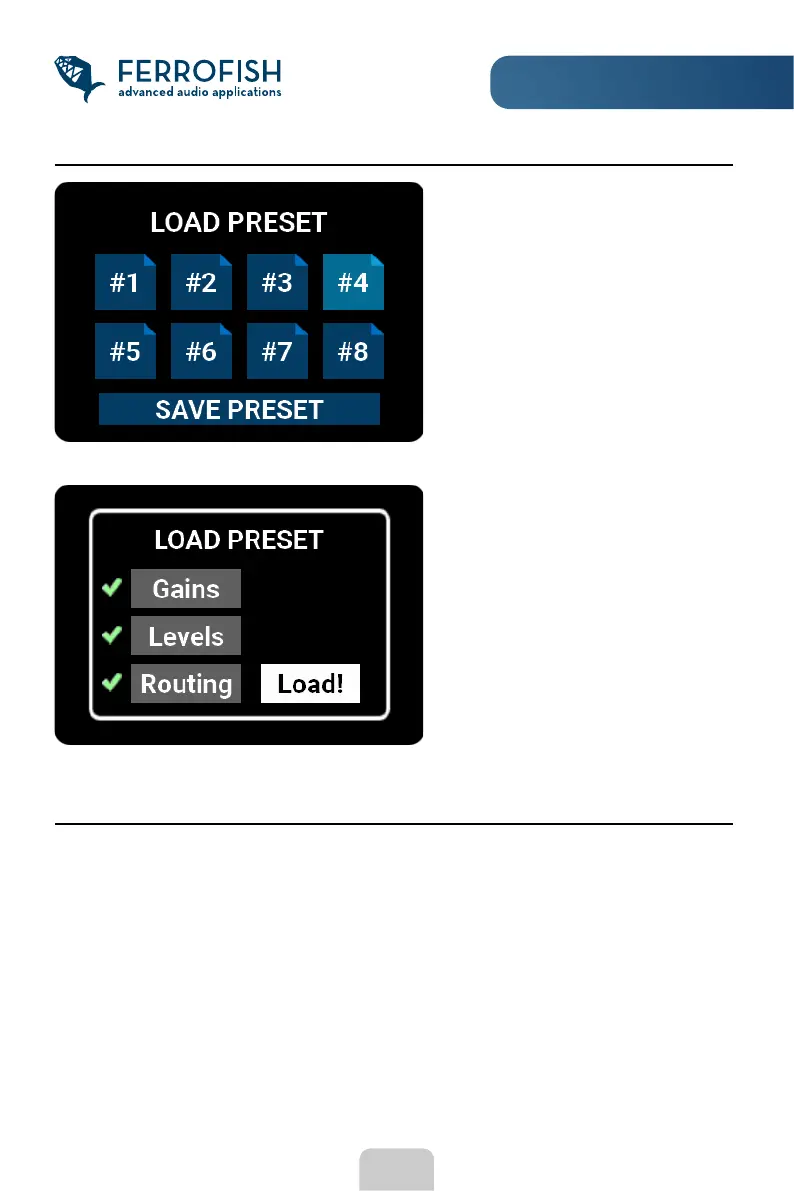
In the PRESET display you can save
and load one of eight presets. For
saving, use the knob to navigate to
SAVE PRESET. Loading a preset is
done simply by selecting one of the
preset numbers.
When loading a preset, you can also
choose which parts of the selected
preset should actually be loaded.
Navigate between the options with
the rotary knob. Use the MENU
button to select the selected option
and select Load! to execute.



 To Next Page