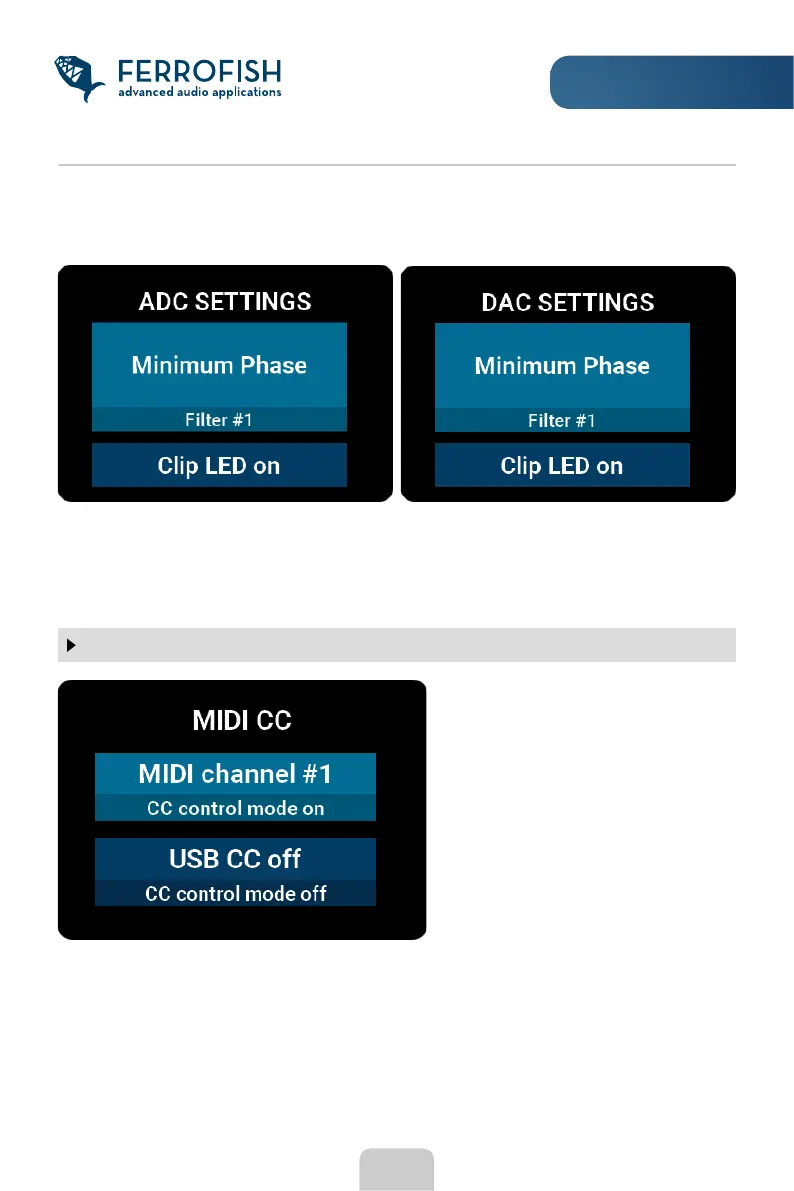
Furthermore, you can turn the Clip LED display on or off on the main screen. When
enabled, a ashing LED for an analog input or output signals clipping. The LED’s can be
cleared by briey pressing the POWER button.
17
SETUP MENU
MIDI CC
Here you can choose whether the
device can be controlled via Control
Messages. Select the desired
channel, or “off” to deactivate.
You can set this independently for
the physical MIDI port (3.5mm jack on
the back), or the USB connector.
The table of CC commands can be
found on our website. In addition to
MIDI CC commands, the device can
also be controlled remotely via the
RemoteFish software.
To simplify routing of a group of outputs, you can also choose multiple channels at the
same time. To do this, press the MENU button until the routing menu appears. Here you
have the choice to select 1, 2, 4, or 8 channels.



 To Next Page