SETUP MENU
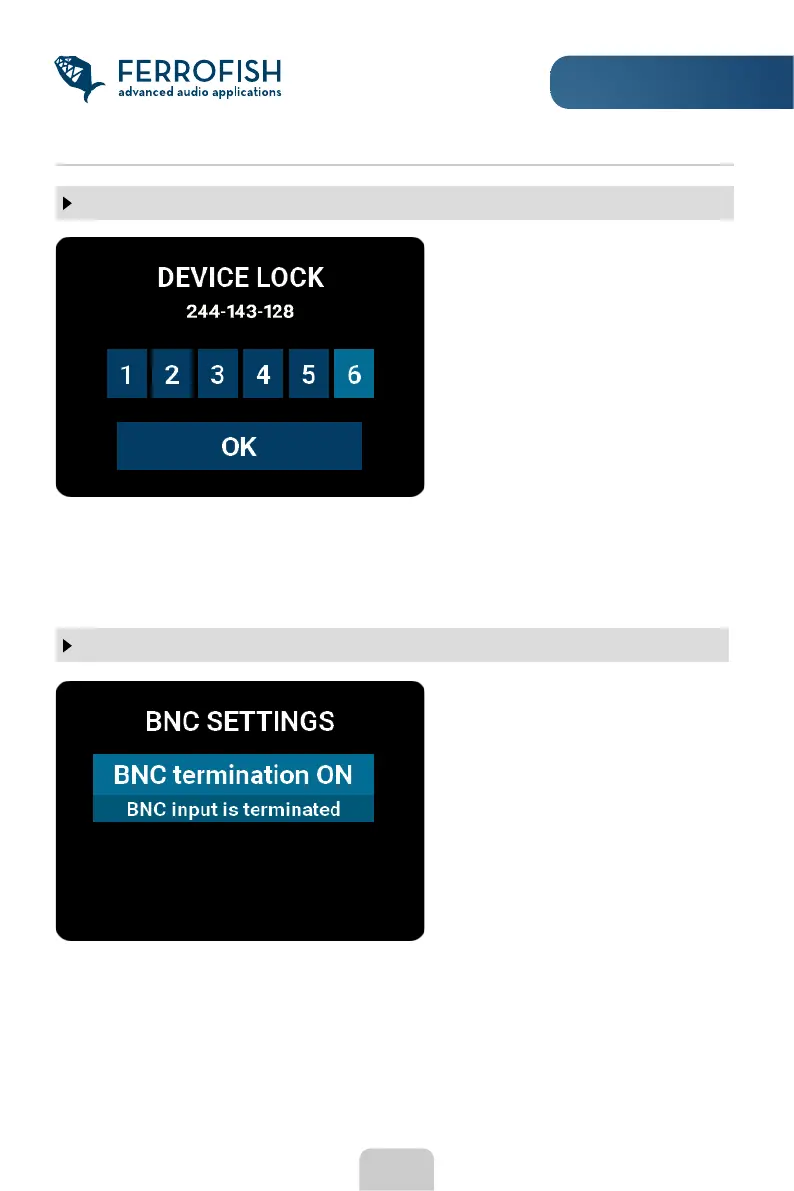
DEVICE LOCK
This function allows locking of the
unit. When lock is active, only the
headphone menu is accessible.
Locking can only be done using
the code provided on the sticker
on the bottom of the device. The
same code is also used for
unlocking.
To enter the number, move the rotary knob to the desired number and jump to the next
position by pressing the MENU button.
Note that the code is not changeable. Please keep it well, as locking or releasing without
a code is impossible.
18
BNC SETTINGS
A rather unusual cabling is that the BNC cable is extended via so-called T-pieces in
order to be able to connect several devices to a BNC output. In this case, only the last
device in this chain is terminated.
The BNC word clock input is
internally terminated with a 75 Ohm
resistor. Termination should
normally be turned on. For example,
if you connect an output of another
device with a BNC cable directly to
that input.



 To Next Page