49
EN
cod. 3541S180 - Rev. 04 - 09/2019
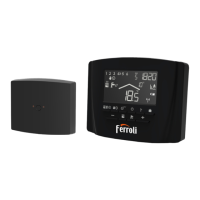
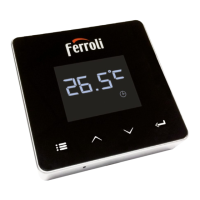
1. Press the button to switch between the various modes:
a. Off
: in this mode the heat request is disabled; only the frost protection mode
remains active.
Vacation
: the set temperature is that of frost protection energy saving for a
number of days set via the buttons .
c. : the required temperature is that of the weekly program set via
APP. If the program has not been set, the system default one is used.
d. Manual : the temperature is set manually, directly on the thermostat.
2. :
a. Manual: press the buttons
.
3. : press “set”
for about 2 seconds to access the settings menu.
a. “ and ” scroll the menu
“set” access the selected parameter
c. return to the main menu
4. In case of a boiler fault, the error code is also shown on the thermostat display. It is
possible to reset the fault via the “set”
button.
For a description of the fault, refer to the boiler handbook.


 To Next Page