27
The easiest way is to plug a USB into the side of your Fetch TV box.
If you have a home media server you can also access files wirelessly straight
from your computer on your TV using your Fetch TV box.
For more information, download the My Media Hub User guides for USB and
Media Servers from the footers at www.fetchtv.com.au
Using My Media Hub
11
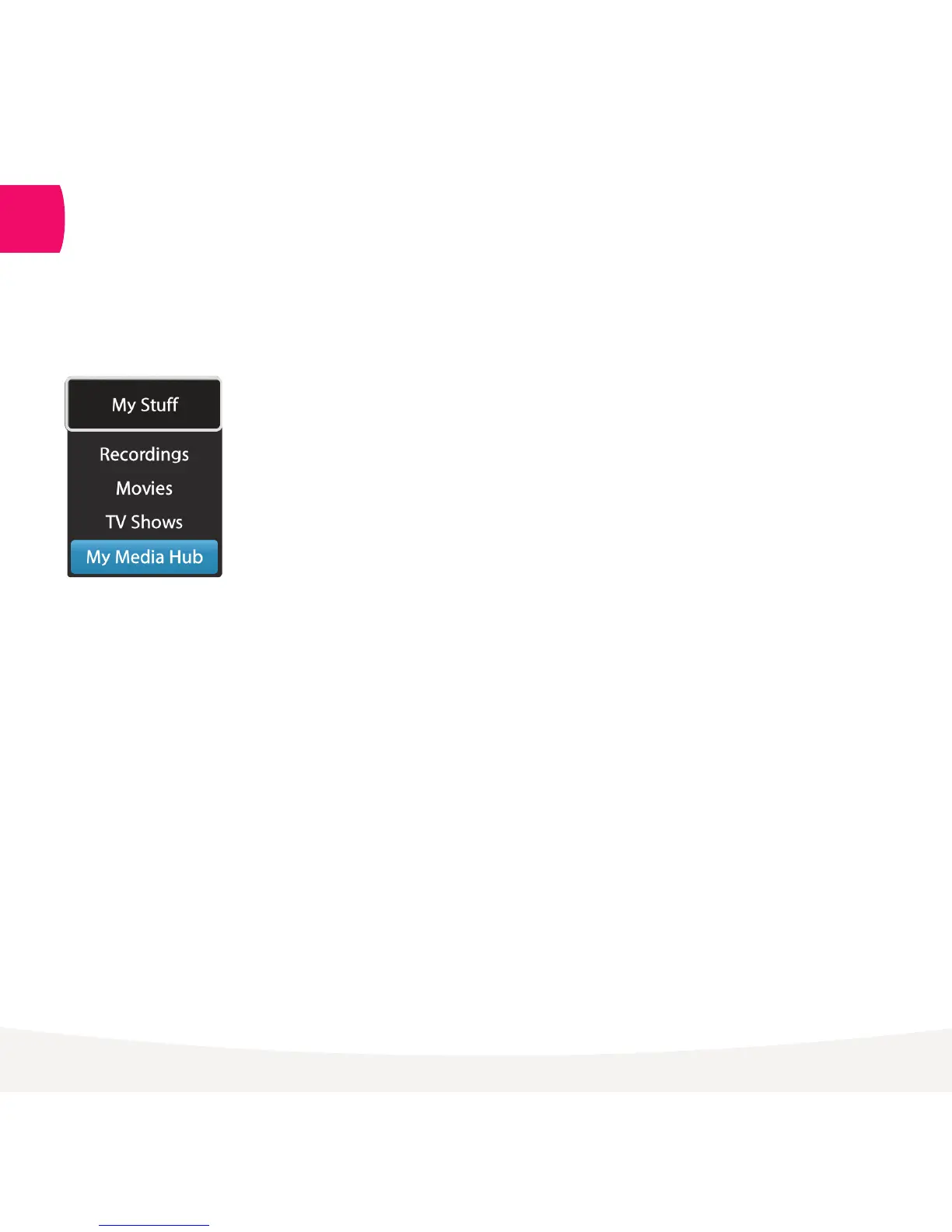
Menu > My Stuff > My Media Hub
You can play video, music and image files from your computer, phone or tablet
on your TV using your Fetch TV box.



 To Next Page