6
Watching Live TV
To watch Free-to-Air or Subscription TV channels, press then
go to TV > TV Guide to select the channel you want to watch.
If you have been in any other area of the Fetch TV service you can
go back to watching TV by pressing .
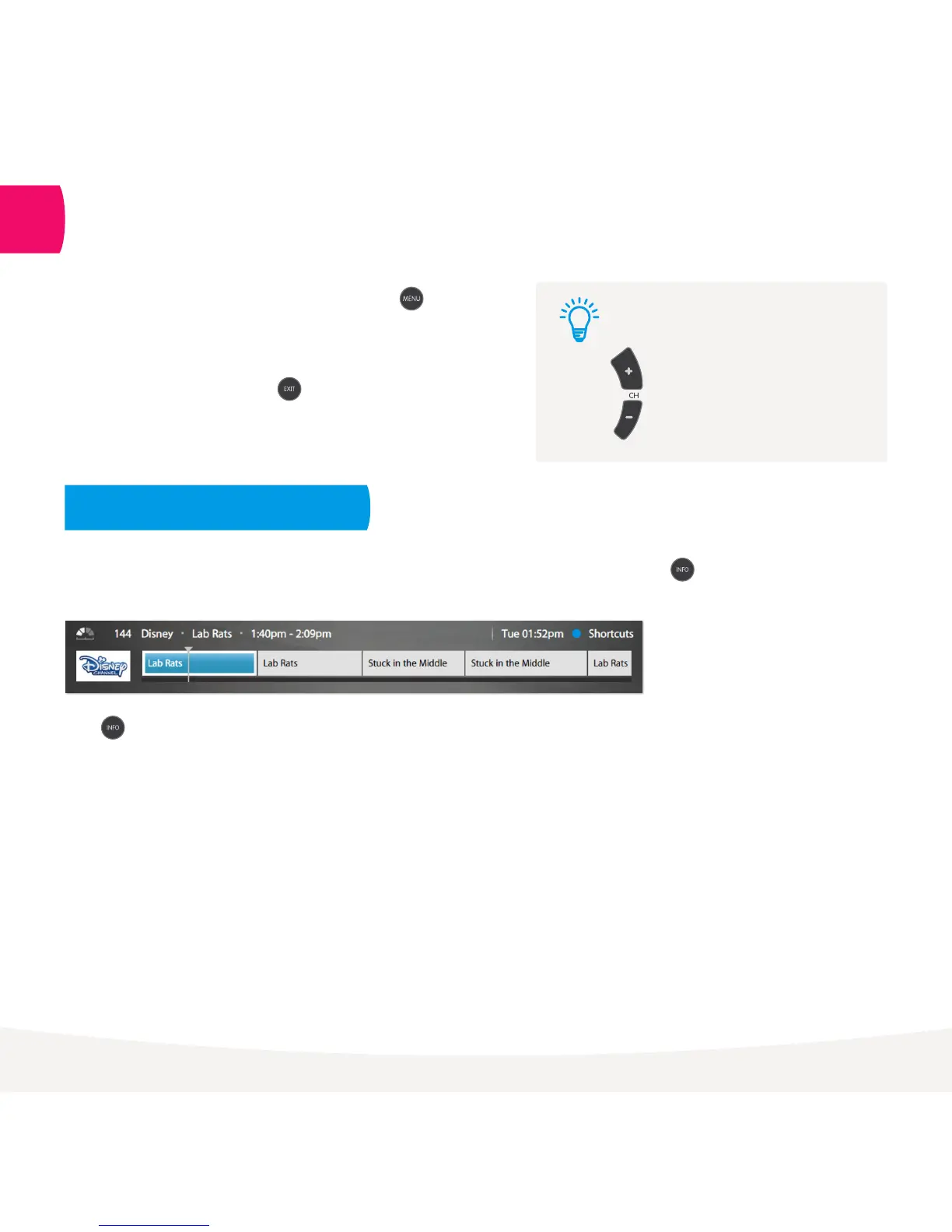
While watching Live TV the Information Bar appears anytime you change channel or when you press on
your remote.
Press twice to see more detail on the highlighted show or to access options to record or set a Series Tag.
The Info Bar will disappear after about 5 seconds, or you can press Info again to remove it immediately.
Channel Switch
Use these up and down buttons
to move between channels.
Tip:
Watch Live TV – Information Bar
2



 To Next Page