5
Use to select and press .
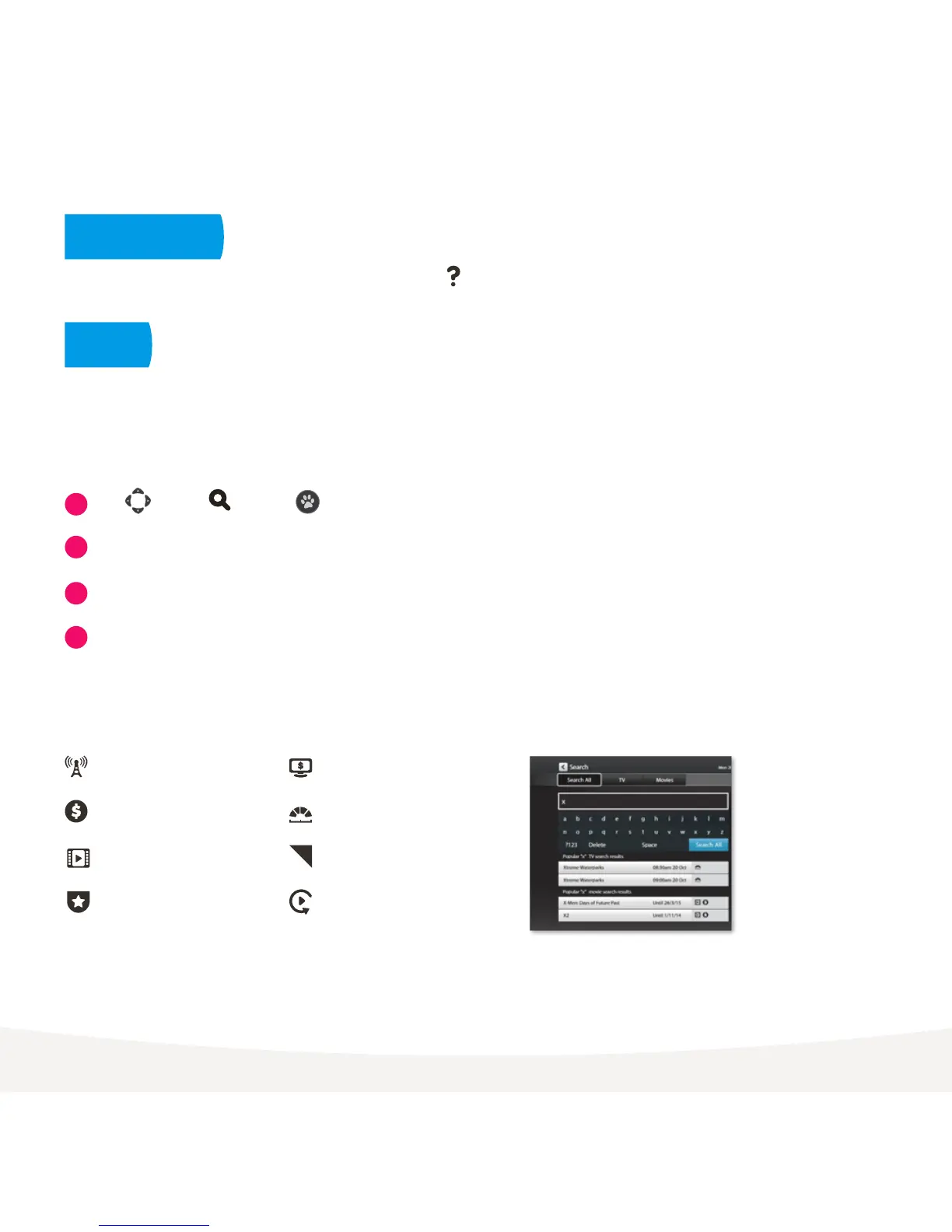
Use the on screen keypad to type.
Search starts automatically when you type one or more letter/number.
Select Search All from on screen keypad to see all matching results.
If you don’t see the results you want, scroll down to the bottom of the
search screen and try an Extended Search to include the program synopsis.
Free-to-Air TV Program
Available for purchase
Movie
Top Show
TV Store
Subscription TV Program
Jump to available items
Catch-Up TV
Search Icons
You can get explanations for features and symbols by selecting from the top right hand side of your screen.
You can easily search for things to watch by keyword from the program name, synopsis, or cast and crew.
Search currently covers Free-to-Air and subscription channels, TV Store, Movie Store, Movie Box, recordings,
and Subscription Catch-Up. Search doesn’t currently cover apps including Netflix or Stan or the Free-to-Air
Catch-Up TV apps, to search these you need to do it from within the individual app.
1
2
3
4
Search
On screen Help



 To Next Page