8
Using the TV Guide
The TV Guide is the easiest place for you to find what you want to watch right
now, or record for later. You can choose to see All Channels or you can set up My
Channels to easily see what’s on your favourite channels.
3
Press on the remote or select TV Guide from TV on the main menu.
Press or to skip forward and back a day in the TV Guide.
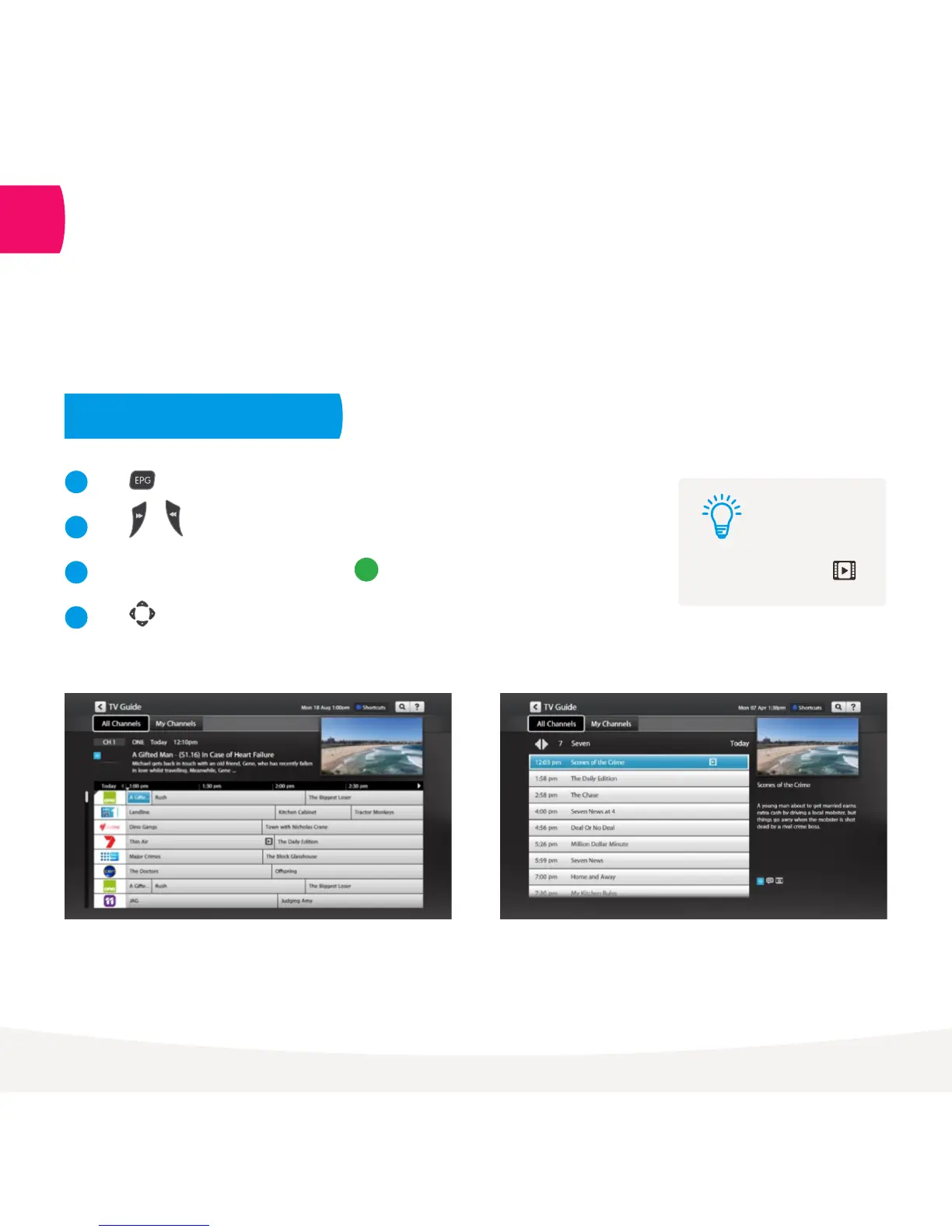
To switch between list and grid views press button on the remote.
Press to find channels and programs in the TV Guide.
1
2
3
4
Movies on TV are flagged
with the movie icon .
Tip:
TV Guide Grid View
View all channels and programs at a time
TV Guide List View
View one channel at a time
See what’s on and coming up



 To Next Page