4
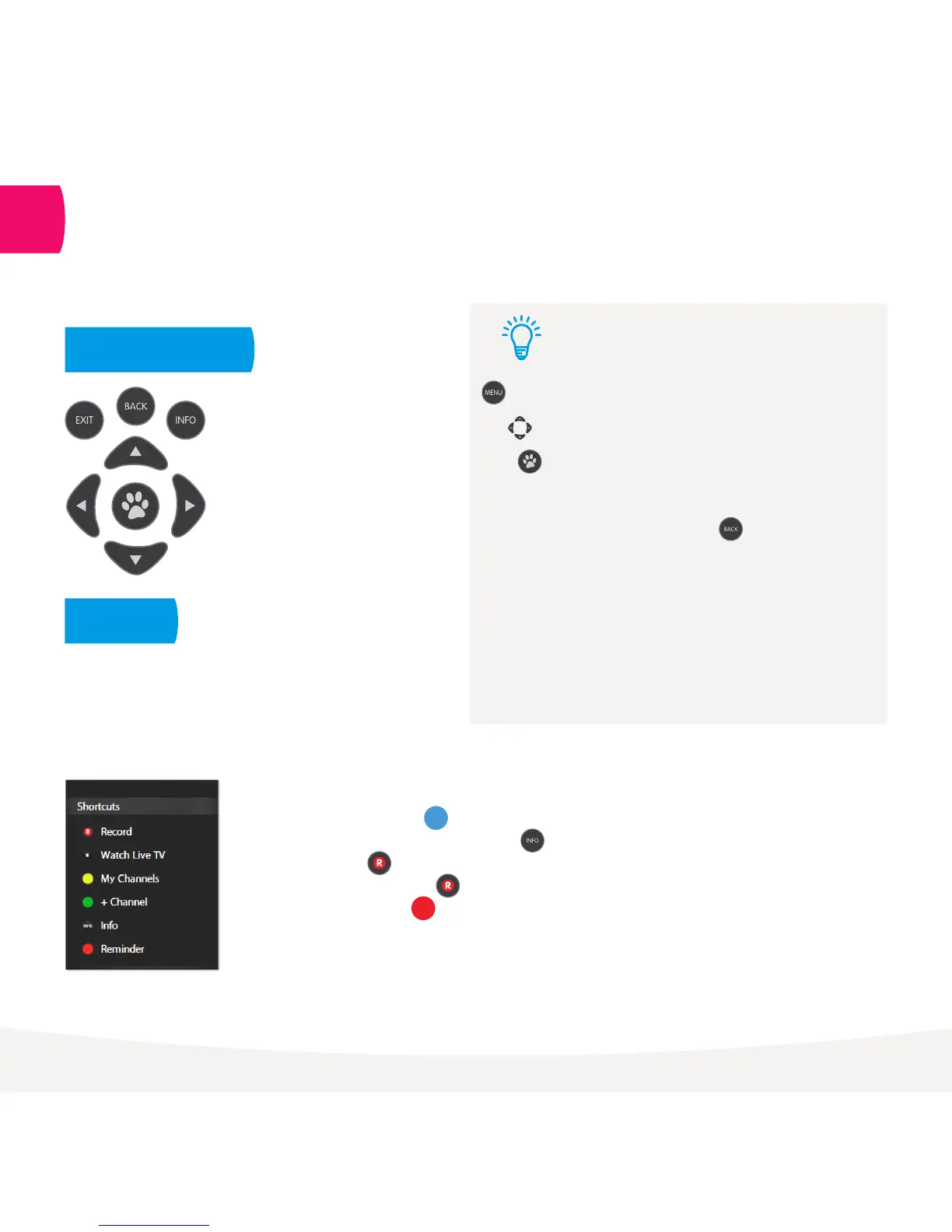
• To access shortcuts press .
• To record a program on now or later press , go to
show, and press
• To enable a series tag press twice
• To set a reminder press .
Handy Tips
Here are a few handy tips to get you started.
Tips
Brings up the main menu from any screen.
Use to navigate anywhere on Fetch TV.
Press to select.
Press to show on screen shortcuts.
Go back to previous screen by pressing .
• You can also navigate Fetch TV from your mobile phone or
tablet if you’ve installed the Fetch TV mobile app (Page 28).
• You can set up your remote to control your TV via the
Universal Remote Set Up (Page 31).
• Using your PIN. Various functions, including anything that
requires a purchase, prompts you to enter a PIN. (You may
want to keep this a secret from your children).
Most used buttons
Shortcuts
1
Shortcuts are available on most screens.
They tell you how to use the buttons on your
remote to access key features.



 To Next Page