6
Fetch is delivered by broadband Internet, so you need to connect your Fetch Mini 4K to the modem.
There are various ways to do this:
To connect, follow these steps:
Option 1 Option 2
Wi-Fi Connection
Use this option if:
• Your modem is not close to your TV, and
• You have reliable Wi-Fi in the room where your TV is.
If you’re using this connection option you can go straight to Step
3 Connect to your TV Antenna on Page 10 now. You will set your
Wi-Fi up later when you get to Step 6.
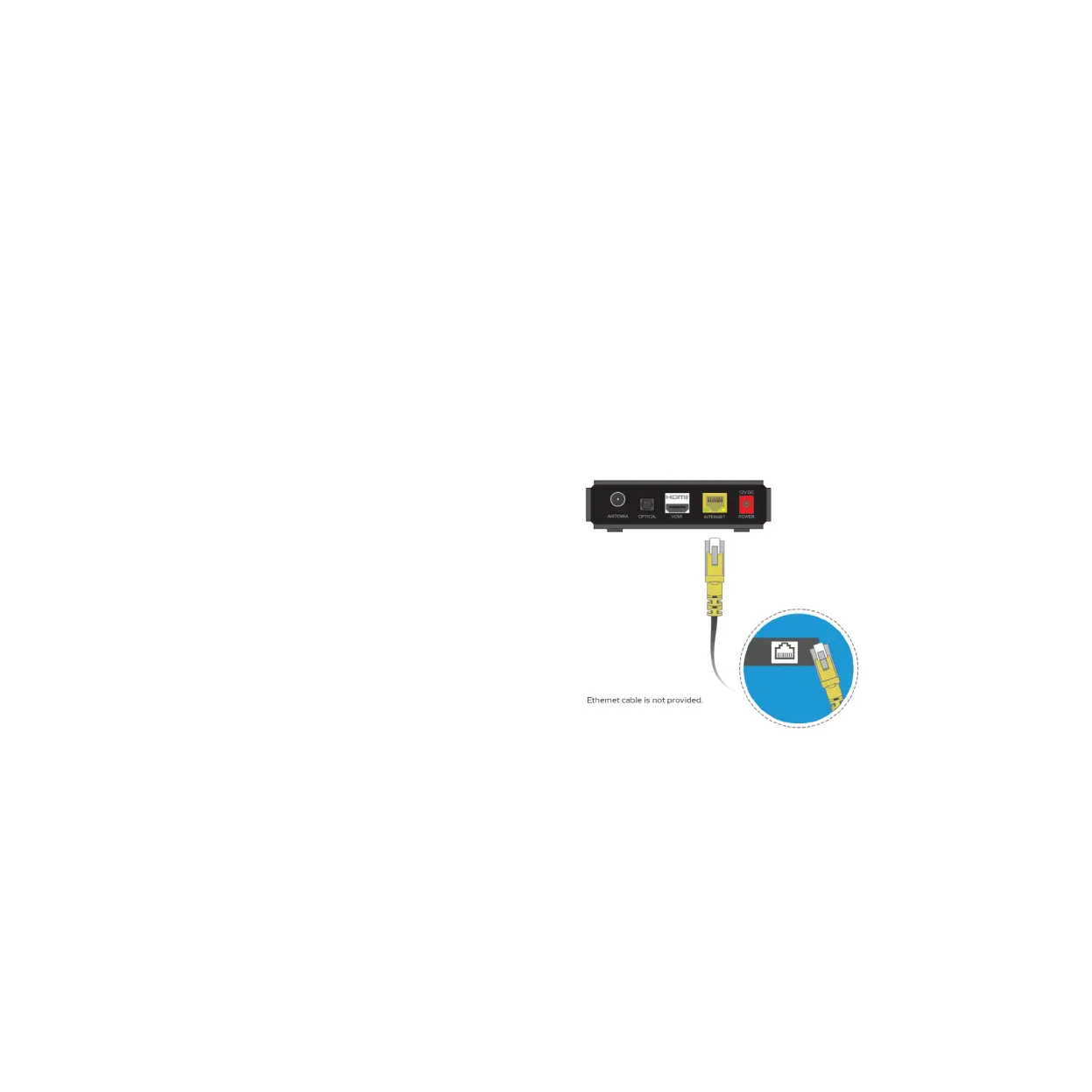
Wired Connection
This is the most reliable connection option. Use this option if:
• You can run an Ethernet cable directly from your Modem to
your Fetch Mini 4K.
Plug one end of an Ethernet cable into a free port on your
broadband modem.
Plug the other end into the port labelled INTERNET on the
back of your Fetch Mini 4K.
1
2
Step 2. Connect to your
Broadband Modem



 To Next Page