8
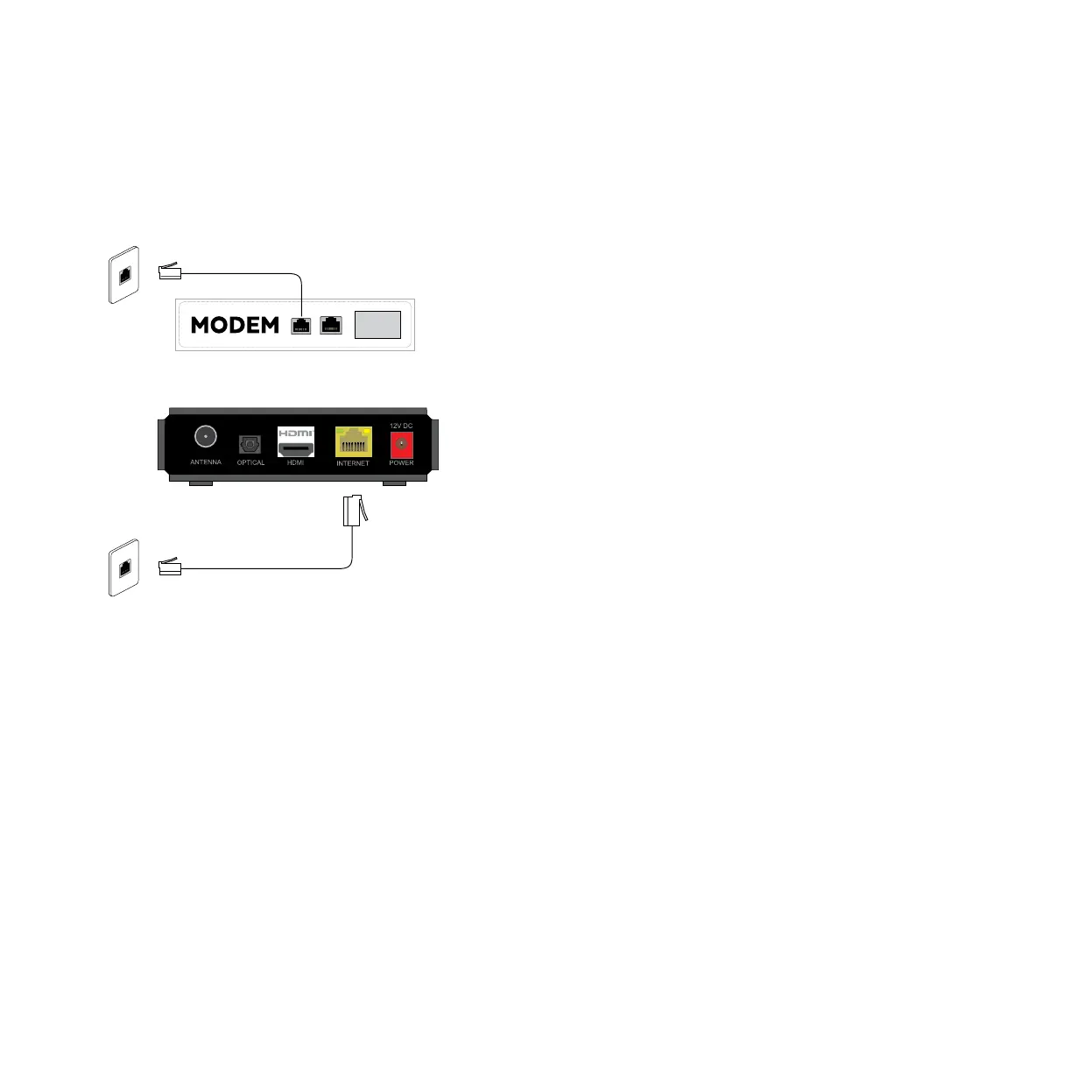
Plug one end of an Internet Ethernet cable into a free port on your broadband modem.
Plug the other end into the Internet Ethernet wall socket nearest to your broadband modem.
Plug one end of a second Internet Ethernet cable into the port labelled INTERNET on the back of your
Fetch Mini 4K.
Plug the other end into the Internet Ethernet wall socket nearest your TV and Fetch Mini 4K.
1
2
3
4
To connect, follow these steps:
Data Cabling
Use this option if:
• Your modem is not close to your TV, and
• Your installation location has cabling with an Ethernet port nearby.
Option 4



 To Next Page