6
REMOVING THE DEVICE
Removing (Exclusion) - Z-Wave device learning mode, allowing to
remove the device from existing Z-Wave network.
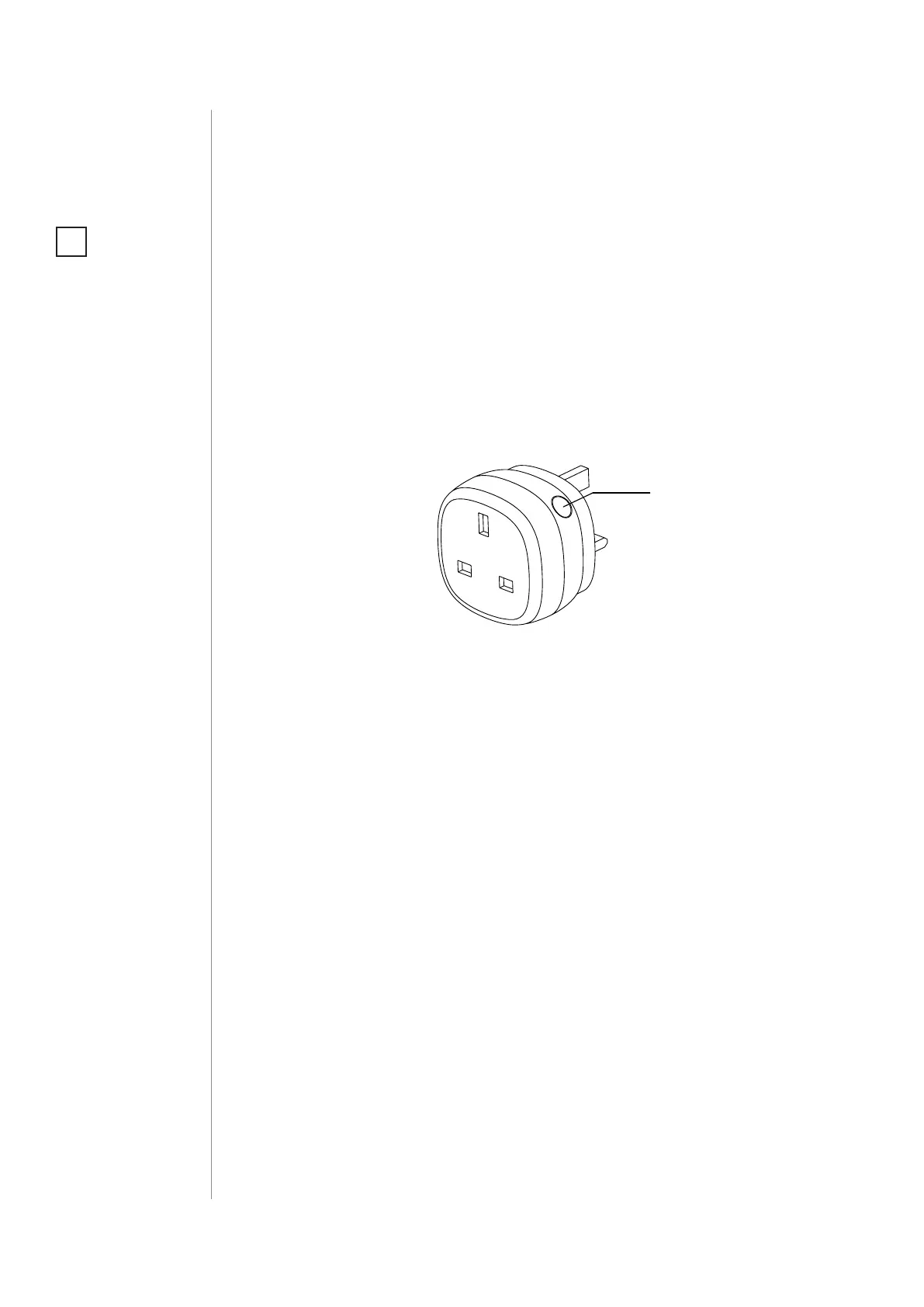
To remove the device from the Z-Wave network:
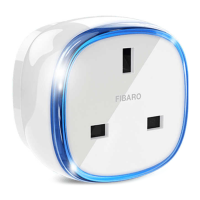
1. Plug the device into a socket nearby the main Z-Wave controller.
2. The LED frame will glow green signalling being added (removing
is not necessary otherwise).
3. Set the main controller into remove mode (see the controller’s
manual).
4. Quickly, triple click the button located on the casing.
5. Wait for the removing process to end.
6. Successful removing will be conrmed by the Z-Wave controller’s
message.
NOTE
Removing the Wall Plug
from the Z-Wave net-
work restores all the
default parameters of
the device.
i
#4: Removing the device
Button


 To Next Page