15 INCH MULTIMEDIA DIGITAL PICTURE FRAME
18
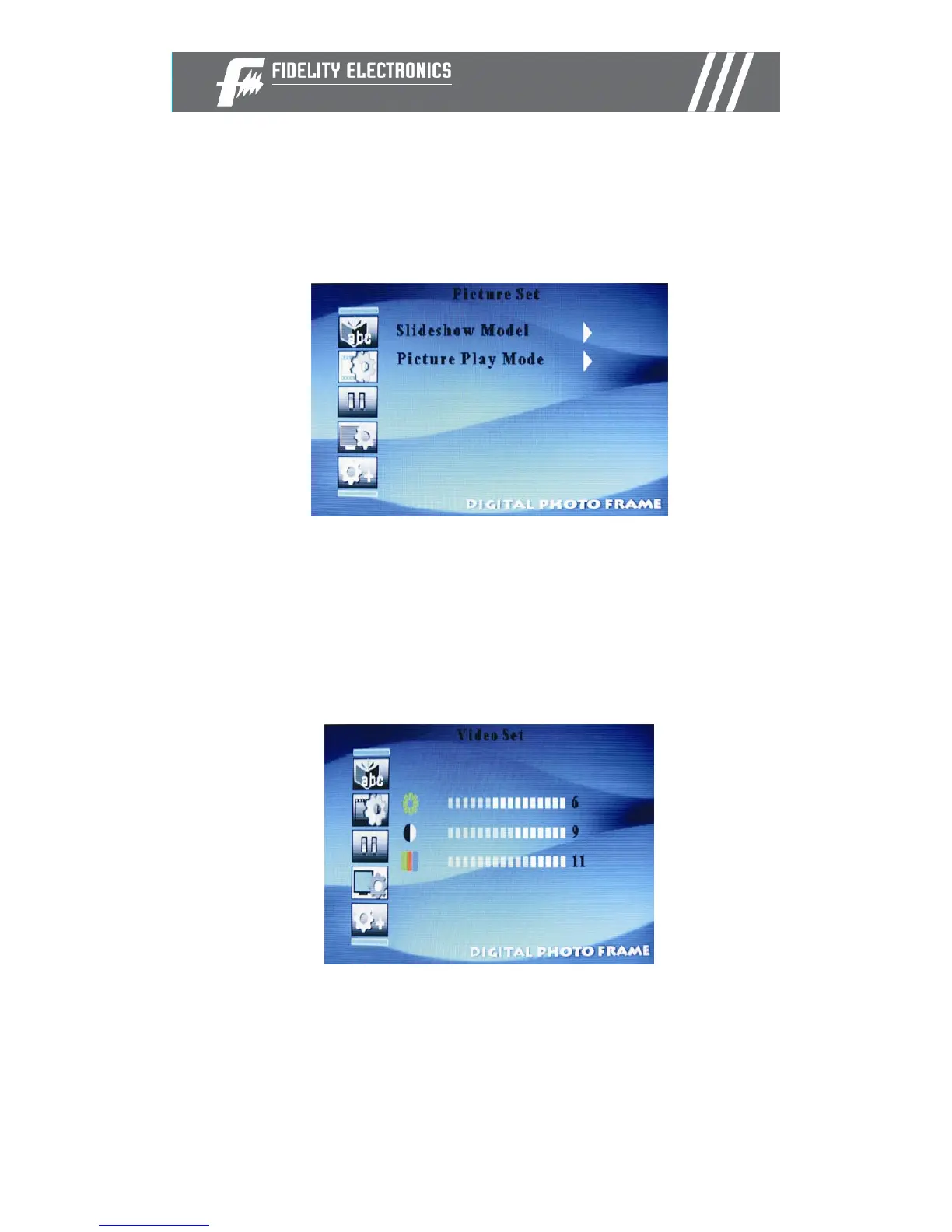
Changing the slideshow speed
You can change the slideshow speed as follows:
• Choose the “SETUP” option from the main menu.
• Choose the “Slideshow Model” option.
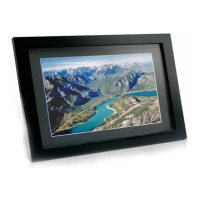
Video setup
You can change some of the display parameters in order to improve the
picture quality. Those parameters are: Brightness, Contrast and Color
• Choose the “SETUP” option from the main menu.
• Choose the “Video Set” option.
• Select the parameter to change and press “Enter”
• Use the right and left arrows to change the value


 To Next Page