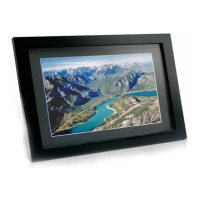
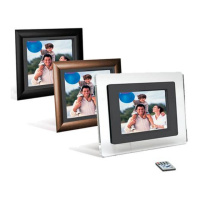
15 INCH MULTIMEDIA DIGITAL PICTURE FRAME
5
Installing your unit
• Open the package and remove the protective foam. Remove the
protective sleeve from the unit.
• Install the Digital Picture Frame stand as the back of the unit.
• Plug in the AC adapter into power outlet. Plug the other end into the
unit.
• After the content is stored on the target flash media; insert the
media into the correct slot.
• Turn power to ON position via the ON/OFF switch.
Connecting to a PC
The Digital Picture Frame has a USB port for connection to a PC (USB Slave)
and a second USB port for connection to other devices such as a Flash Drive,
USB card reader, or a camera (USB Host).


 To Next Page