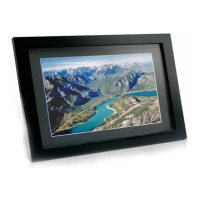
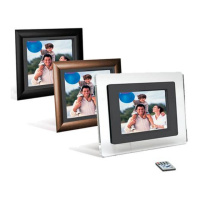
15 INCH MULTIMEDIA DIGITAL PICTURE FRAME
6
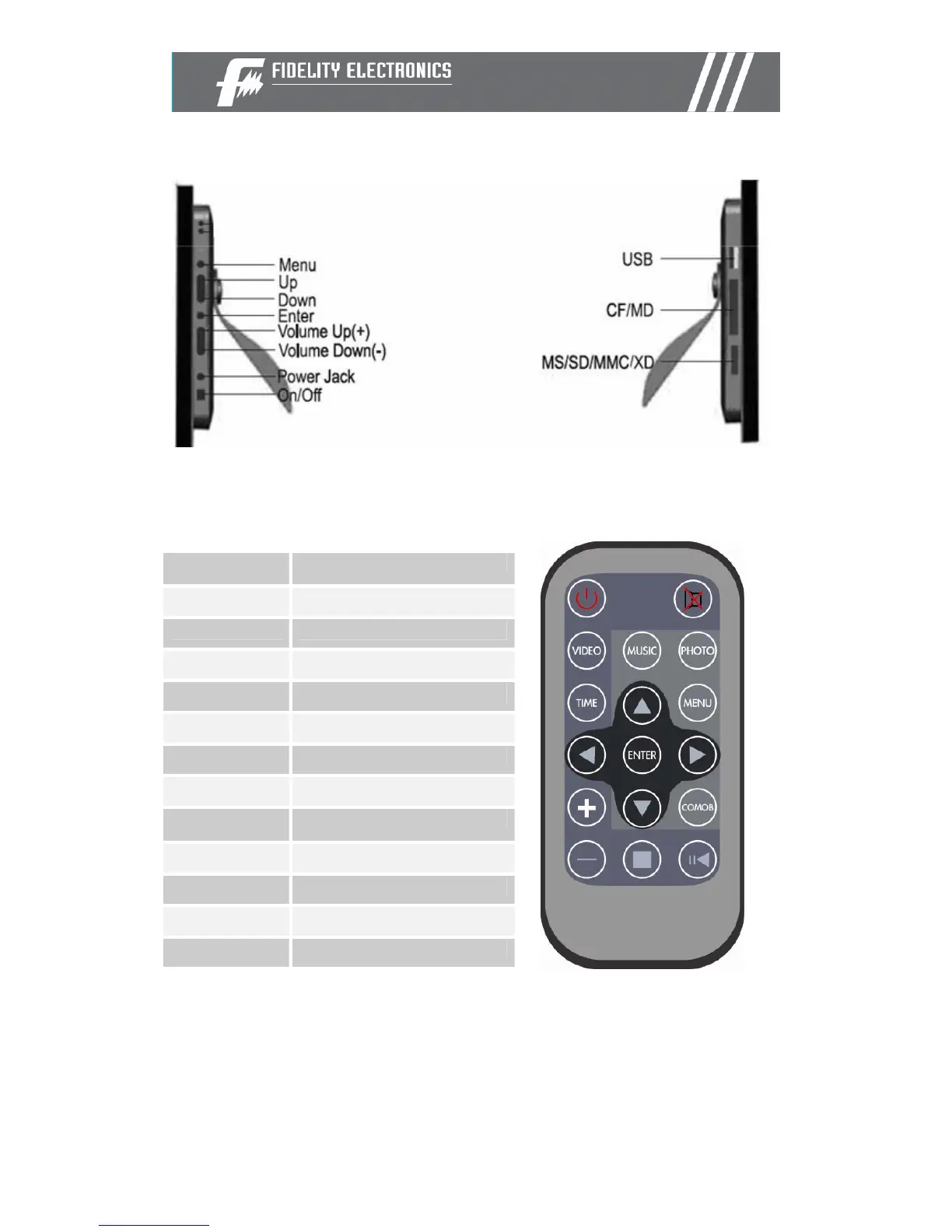
Controls
Using your Remote Control
The following table briefly describes the remote control functions
Button Description
Power Turn on/off
Photo Access your photo files
Music Access your music files
Video Access your videos files
Combo Start the slideshow
Time Display the time/ Calendar
Mute Mutes volume
Menu Displays the main menu
Enter Select highlighted item
VOL +/- Adjusts volume
Arrows Navigate on screen
X/II
Play/ pause


 To Next Page