15 INCH MULTIMEDIA DIGITAL PICTURE FRAME
9
Viewing Pictures
Make sure you have at least one picture on your memory card/ USB flash
drive or internal memory. When this is done:
• Highlight the “PHOTO” option from the main menu and press “ENTER”
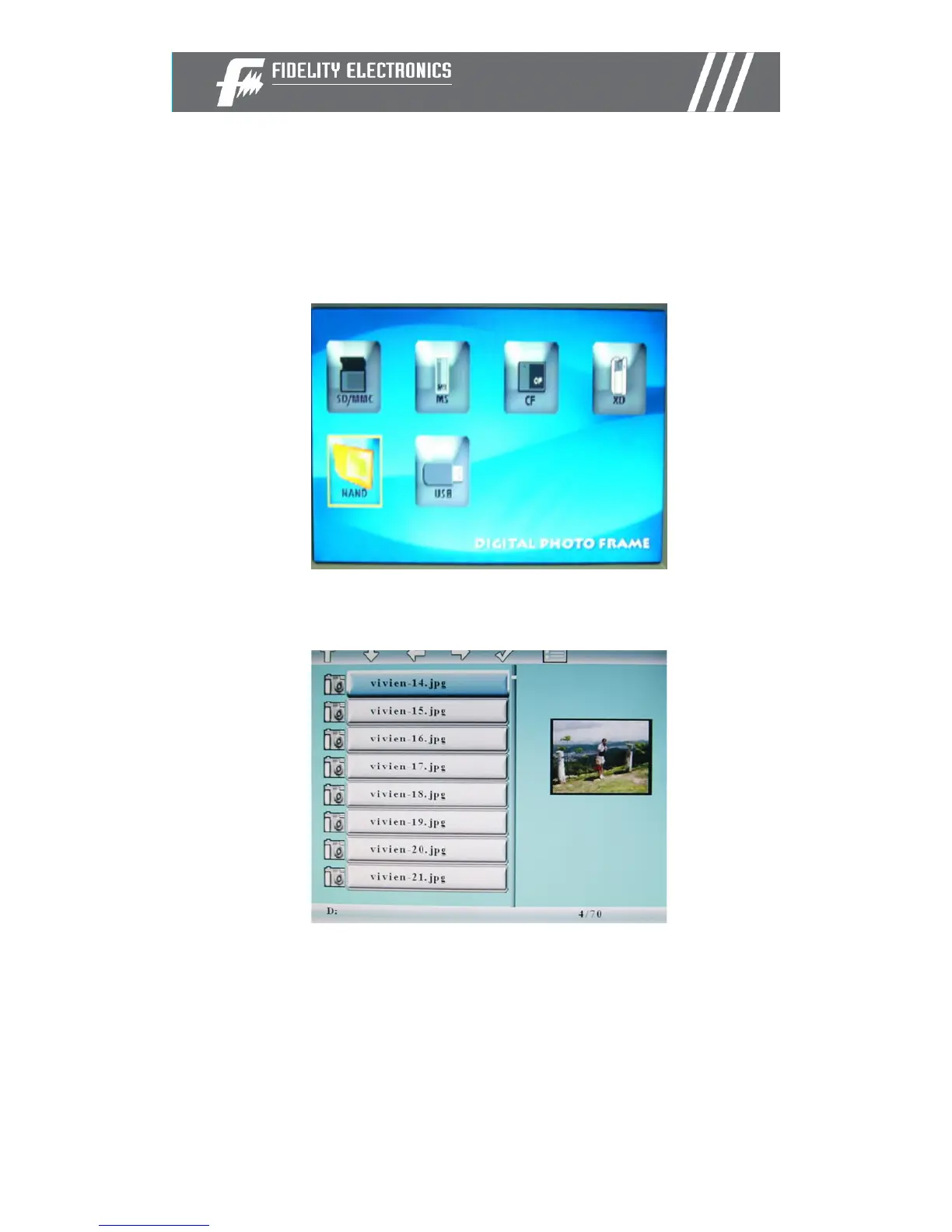
• Select the desired flash media. (SD/xD/CF/MS/USB/ Internal Memory)
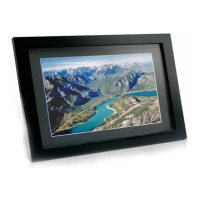
• A list of available pictures will be displayed. Use the up and down
arrows to highlight the desired file and press “Enter” to continue
• The slideshow will start


 To Next Page