15 INCH MULTIMEDIA DIGITAL PICTURE FRAME
8
Main menu
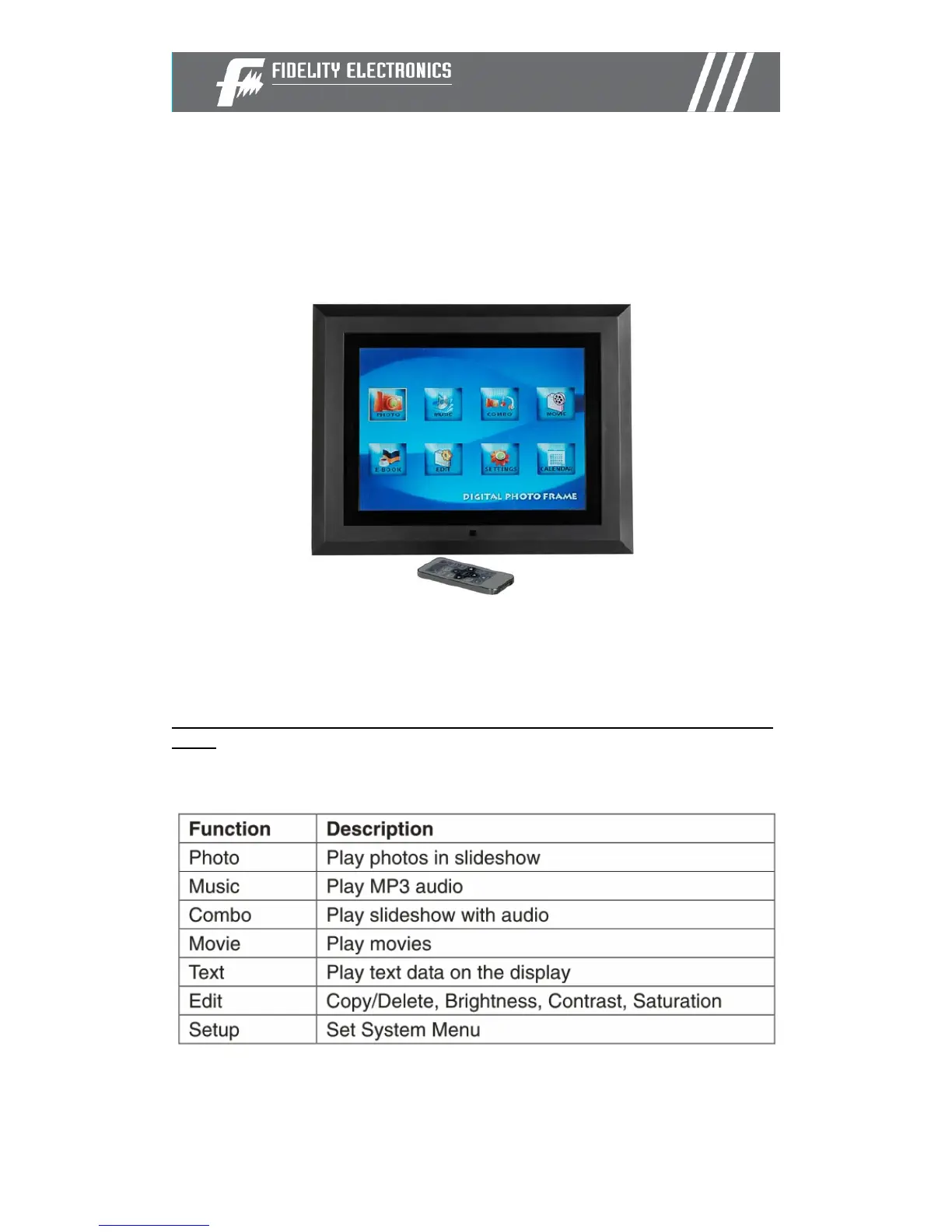
Upon turning on the Digital Picture Frame, the slideshow will automatically
start. Press the “MENU” button to show the following menu:
This screen will allow you choose the type of media to play.
Use the left and right arrows to move inside the menu and then press “Enter”
to continue
Note: In all menus, pressing the “Menu” button will bring you back to the main
menu


 To Next Page