2
2-6 Installing User Software on a Mac OS Computer
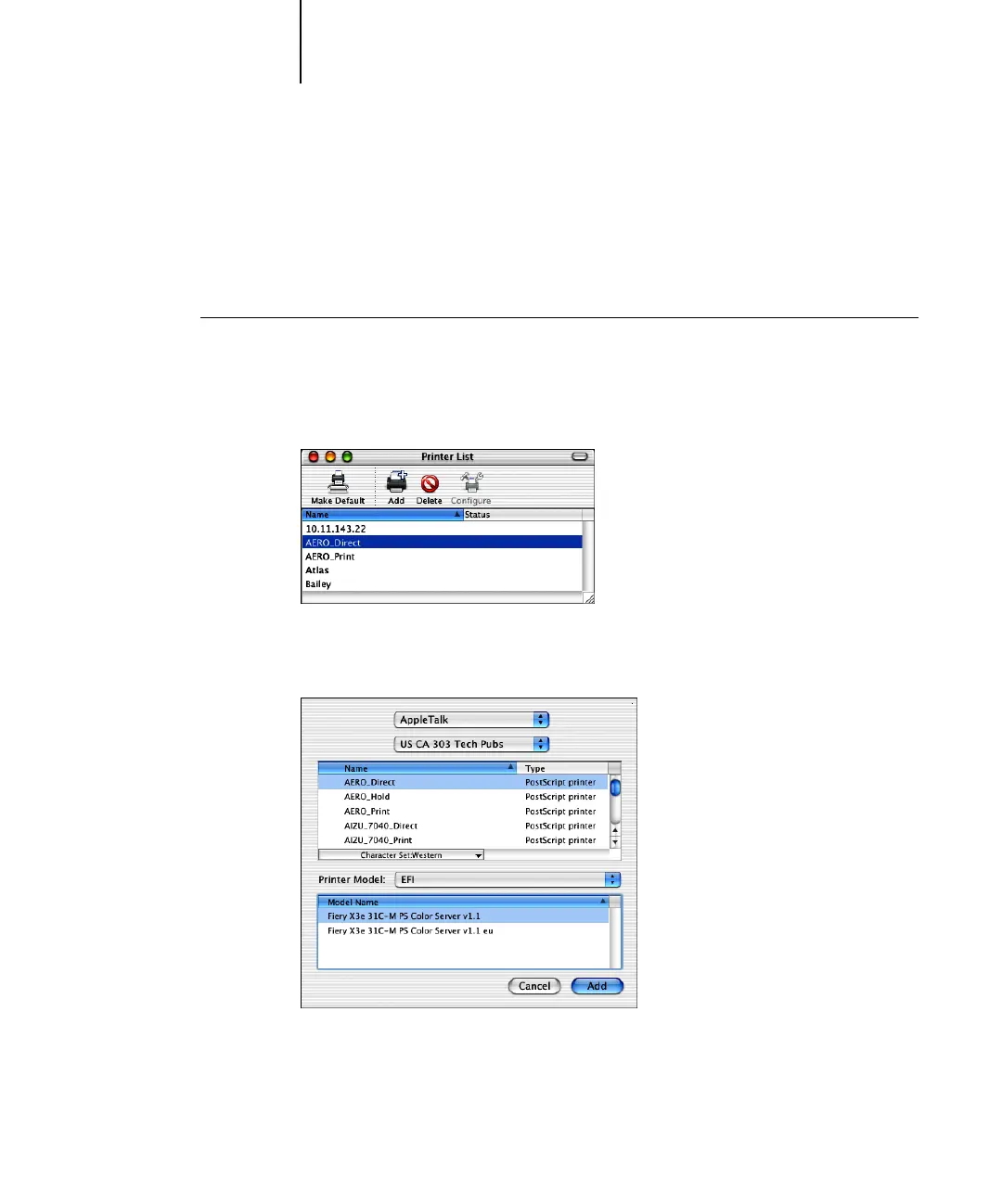
Setting up the Fiery X3e in the Print Center
After you install the printer description file (see page 2-1), you must set up the
Fiery X3e in the Print Center in order to take full advantage of its features. This section
describes how to set up the Fiery X3e and configure installable options.
TO SET UP THE FIERY X3E IN THE PRINT CENTER
1. Start Print Center.
Click the Print Center icon. Or you can select Applications from the Go menu, select
Utilities, and then select Print Center.
2. Click Add in the Printer List window.
3. Select AppleTalk or IP printing in the pop-up menu.



 To Next Page