1
1-11 Setting up PostScript or PCL printing with Windows 98/Me
TO PREPARE THE PORT FOR PARALLEL PORT PRINTING
IN WINDOWS 98/ME
1. Click Start, choose Settings, and then choose Control Panel.
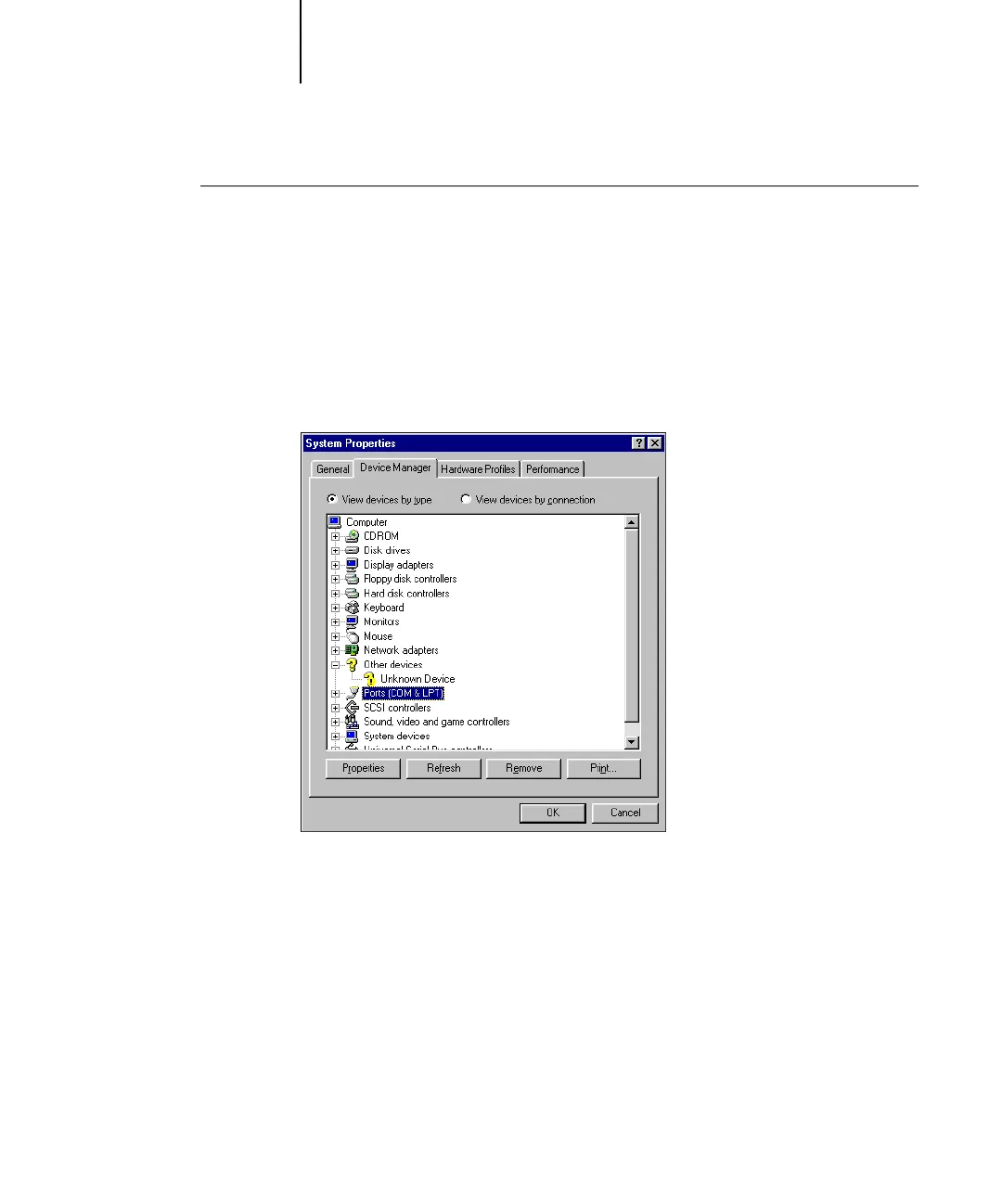
2. Double-click System.
The System Properties dialog box appears.
3. Click the Device Manager tab.
4. Double-click Ports.
5. Double-click the port with LPT1 in its name.



 To Next Page