1
1-12 Installing User Software on a Windows Computer
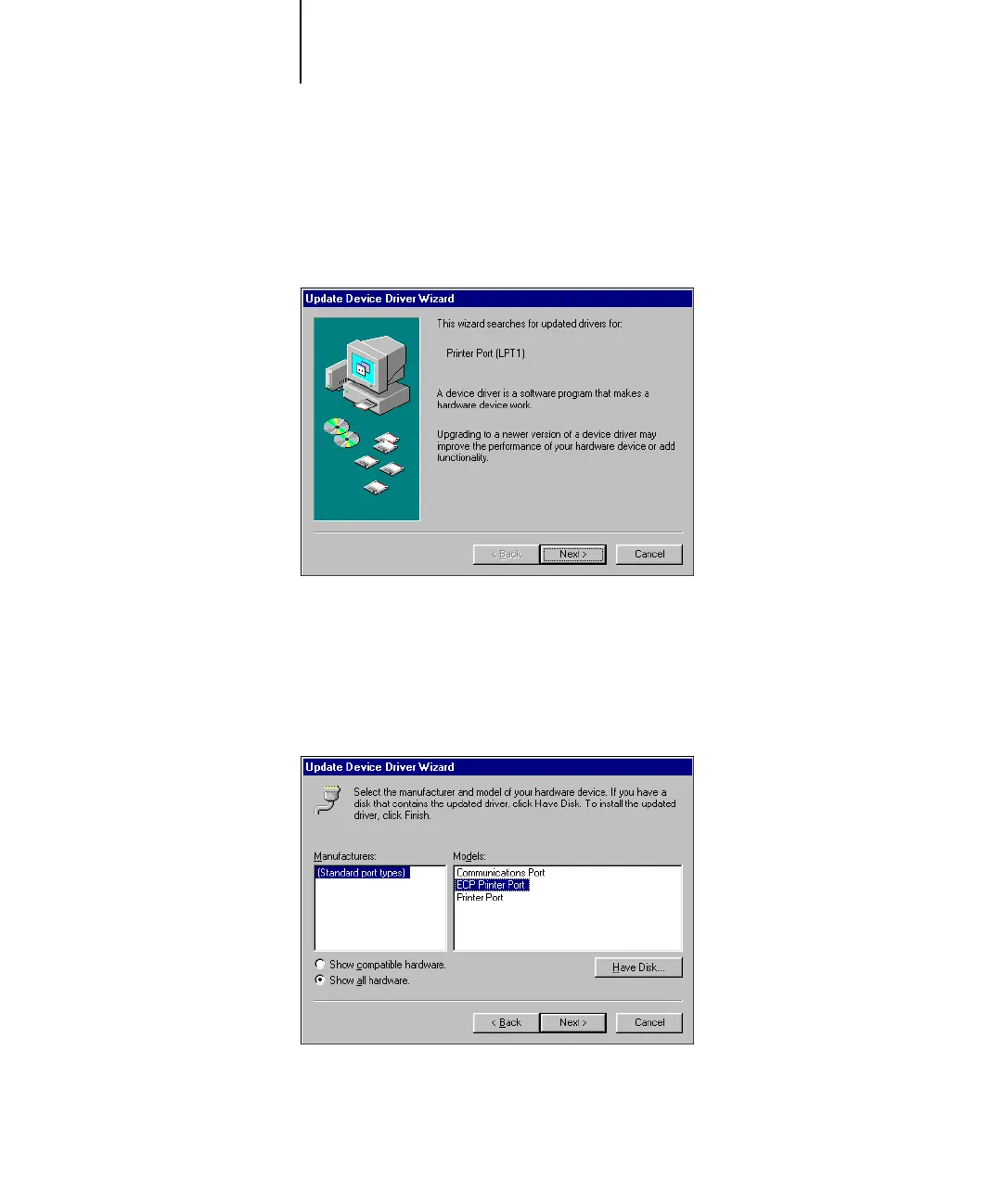
6. In the (LPT1) Properties dialog box, click the Driver tab and then click Update Driver.
The Update Device Driver Wizard dialog box appears.
7. Click Next.
8. Select “Display a list of all the drivers in a specific location, so you can select the
driver you want,” and then click Next.
9. Select “Show all hardware.”
10. From the Manufacturers list, select “(Standard port types).” From the Models list,
select “ECP Printer Port” (not Printer Port). Click Next.



 To Next Page