1
1-14 Installing User Software on a Windows Computer
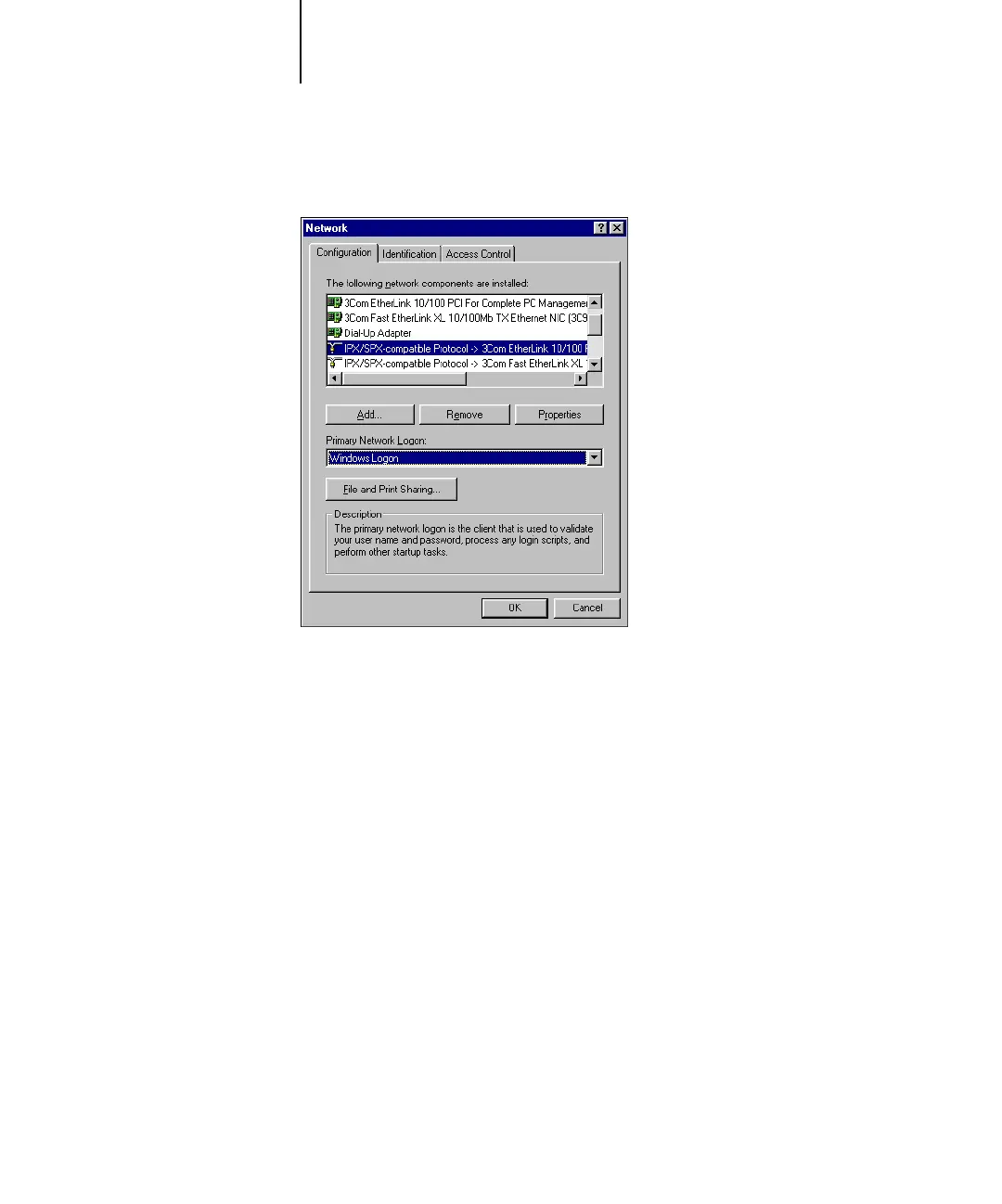
3. Double-click the IPX/SPX-compatible Protocol icon.
4. Click the Advanced tab.
5. Select Frame Type in the Property list.
6. In the Value menu, choose the Frame Type that corresponds to the one set in Fiery X3e
Network Setup.
If necessary, print the Configuration page from the Fiery X3e Control Panel to
determine which frame type(s) are configured.



 To Next Page