1
1-15 Setting up PostScript or PCL printing with Windows 98/Me
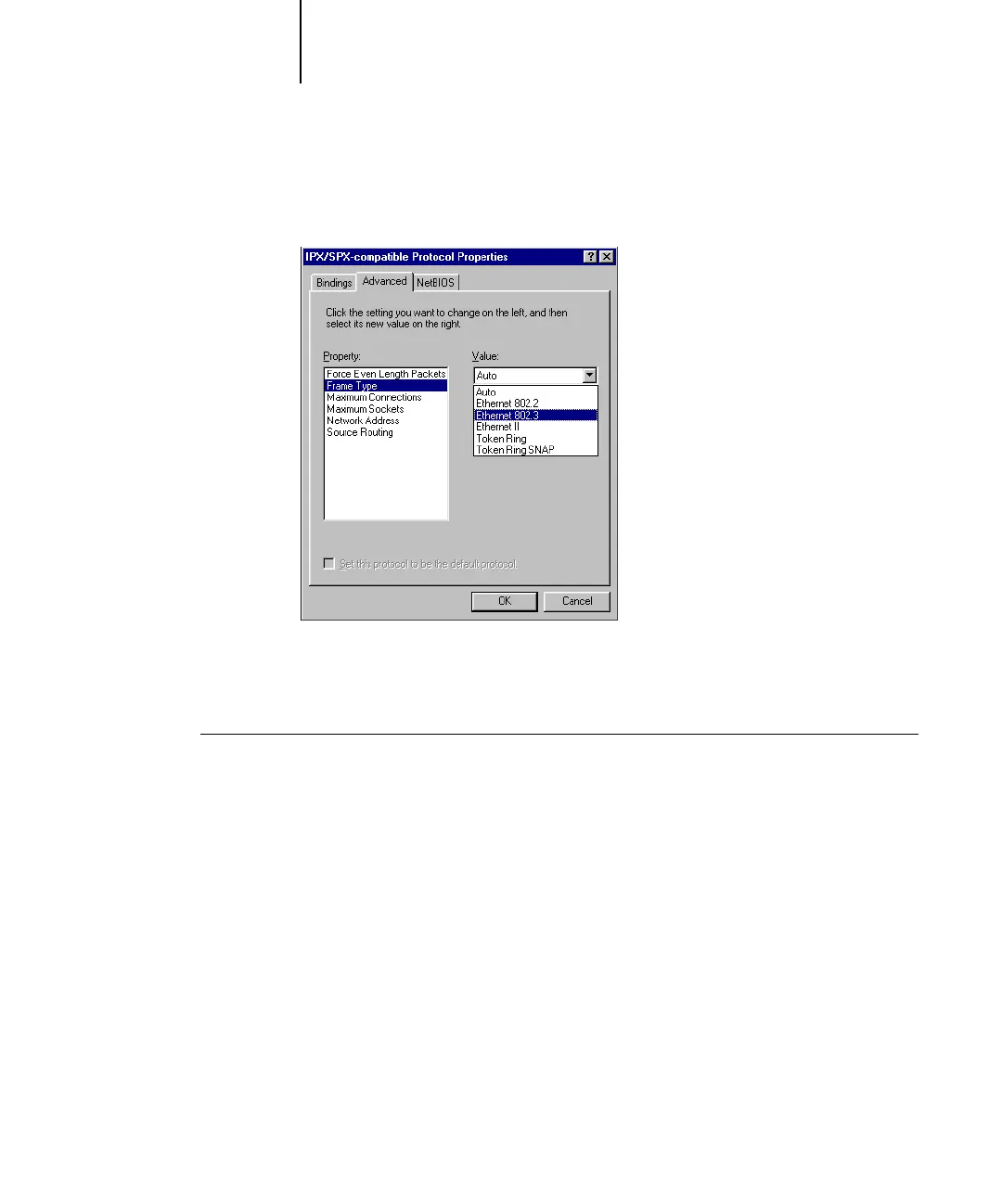
NOTE: Do not select Auto. Auto may not select the frame type specified on
the Fiery X3e.
7. Click OK and close the Network Control Panel.
8. When prompted to restart your computer, click Yes.
TO SET UP A PORT FOR IPX (NOVELL) PRINTING WITH WINDOWS 98X/ME
1. Click Start, choose Settings, and then choose Printers.
2. Click the Fiery X3e printer icon and choose Properties from the File menu.
3. Click the Details tab and click Add Port.
A list of connection options appears.



 To Next Page