1
1-47 Setting up PostScript or PCL printing with Windows 2000/XP/Server 2003
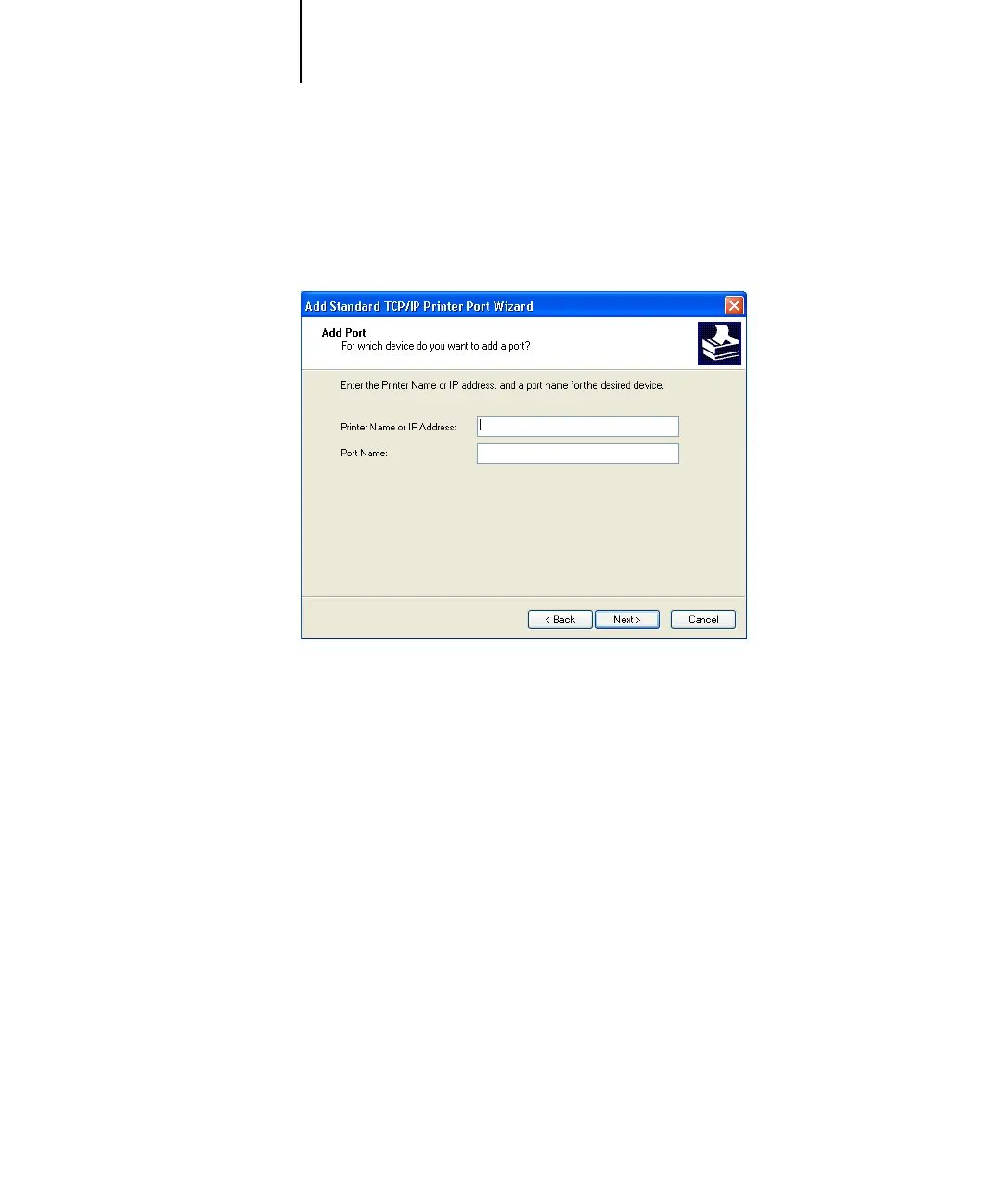
4. Click Next.
The Add Standard TCP/IP Printer Port Wizard dialog box appears.
5. Type the IP address of the Fiery X3e.
6. Click Next.
7. Make sure that Generic Network Card is selected as Standard for Device Type
and click Next.
8. Click Finish to close the Add Standard TCP/IP Printer Port Wizard dialog box and click
Close in the Printer Ports dialog box.



 To Next Page