SETTING UP THE E100 FROM A NETWORK COMPUTER 32
TO ACCESS CONFIGURE FROM COMMAND WORKSTATION
1 Start Command WorkStation.
2 Log on with Administrator privileges.
3 Choose Configure from the Server menu.
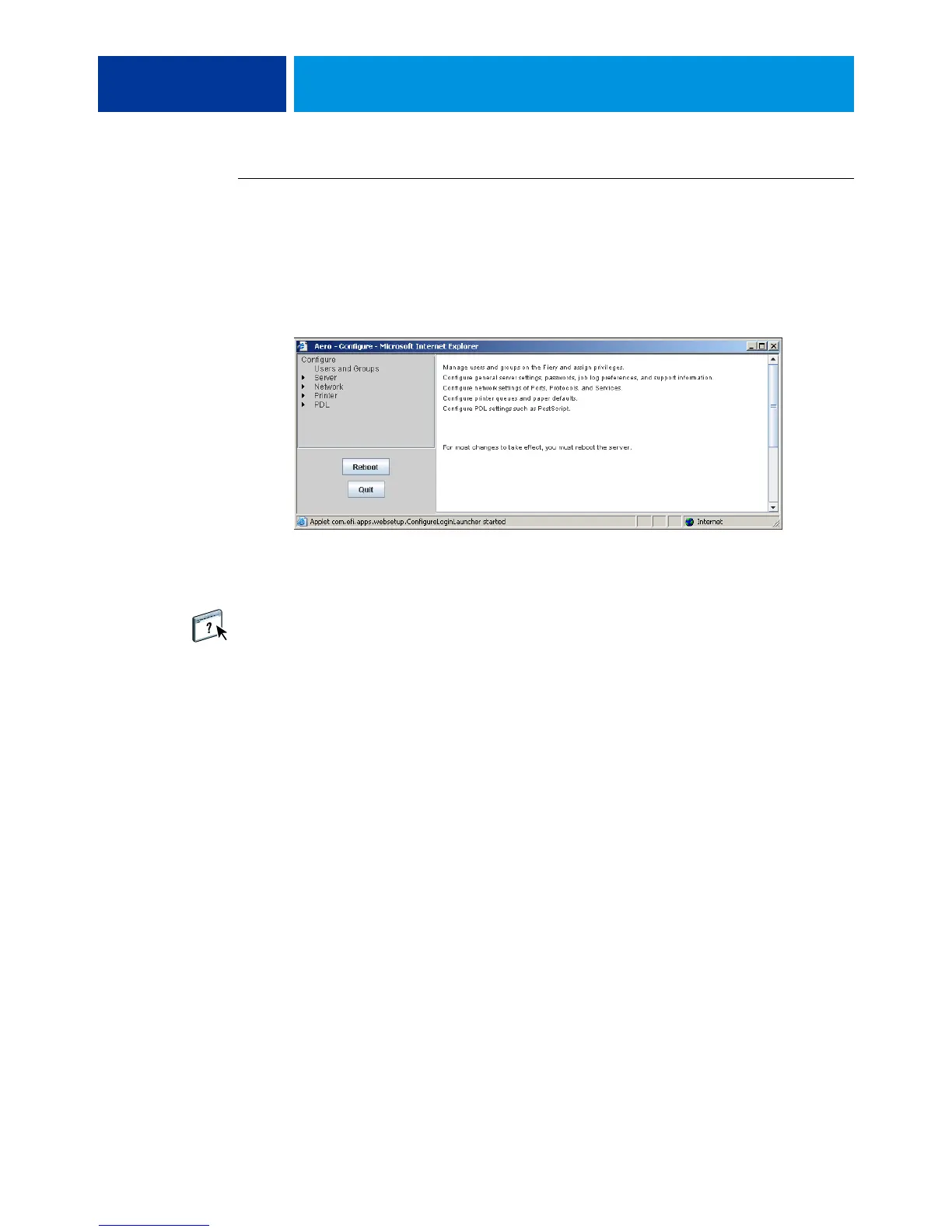
Regardless of the method you use, the following dialog box appears.
Using Configure
For information about using Configure and setting options, see Configure Help. Configure
Help can be accessed from WebTools Configure or Command WorkStation.



 To Next Page