29
/
40
Choose sorting order of the list: e.g. sort by number of tracks in list item, alphabetical order;
Batch operation: Tap the pencil icon and checkboxes will appear to the right of the list. Tap the
checkboxes to select the list items you want, then tap the batch operation desired at the bottom. From
left to right they are: play, add to favorites, add to playlist, (cancel operation), and delete.
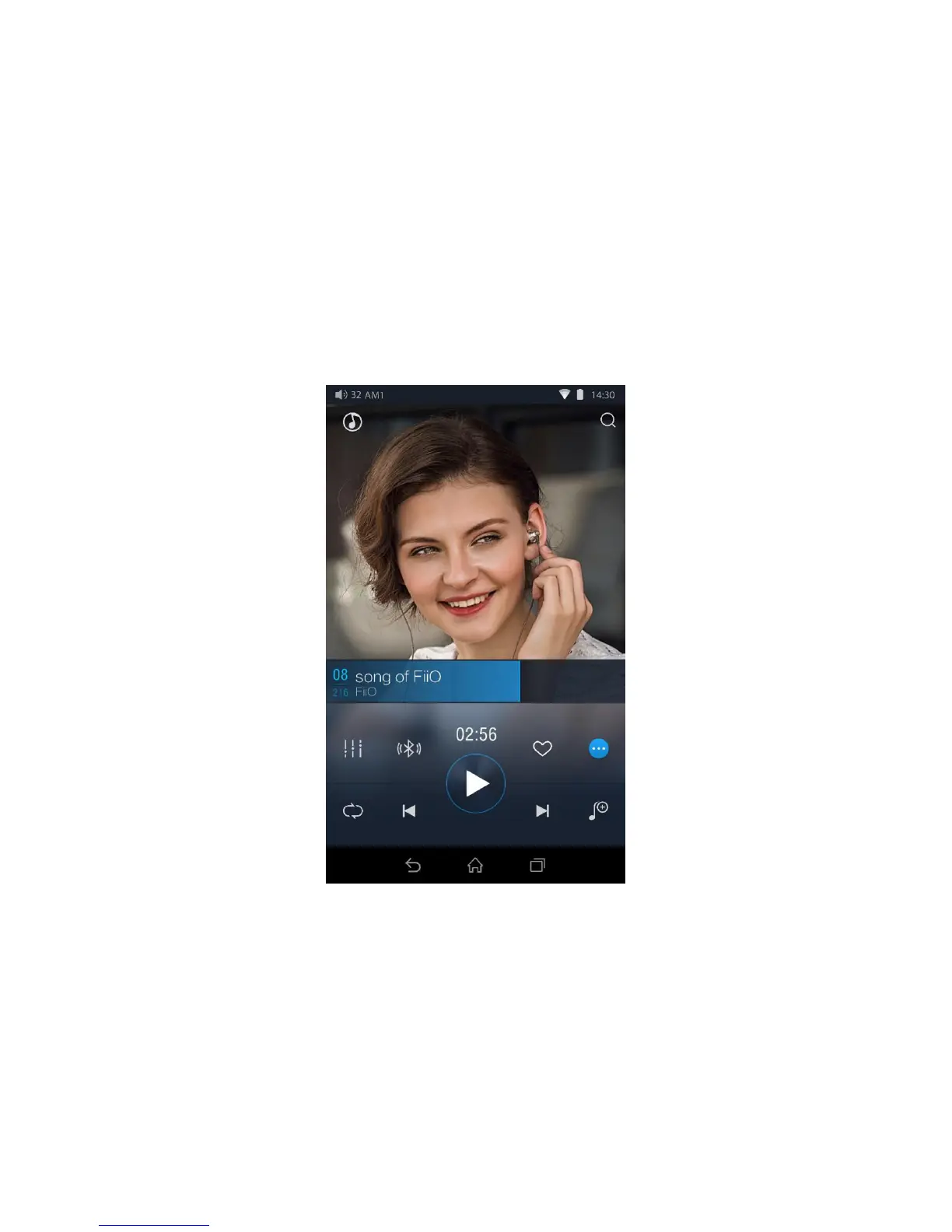
The Now Playing screen has buttons to tap on as well as places you can activate with neat gesture
actions, as detailed below:
a) Buttons explained
Referring to the numbering of the buttons above, the buttons in this screen are as follows:
1) Home: return to App homepage (see section F.2.1);
2) Search: Tap to show a fullscreen search pane for all songs on the X7. Searching of track title, album
name and artist name are supported. Recent searches are saved;



 To Next Page