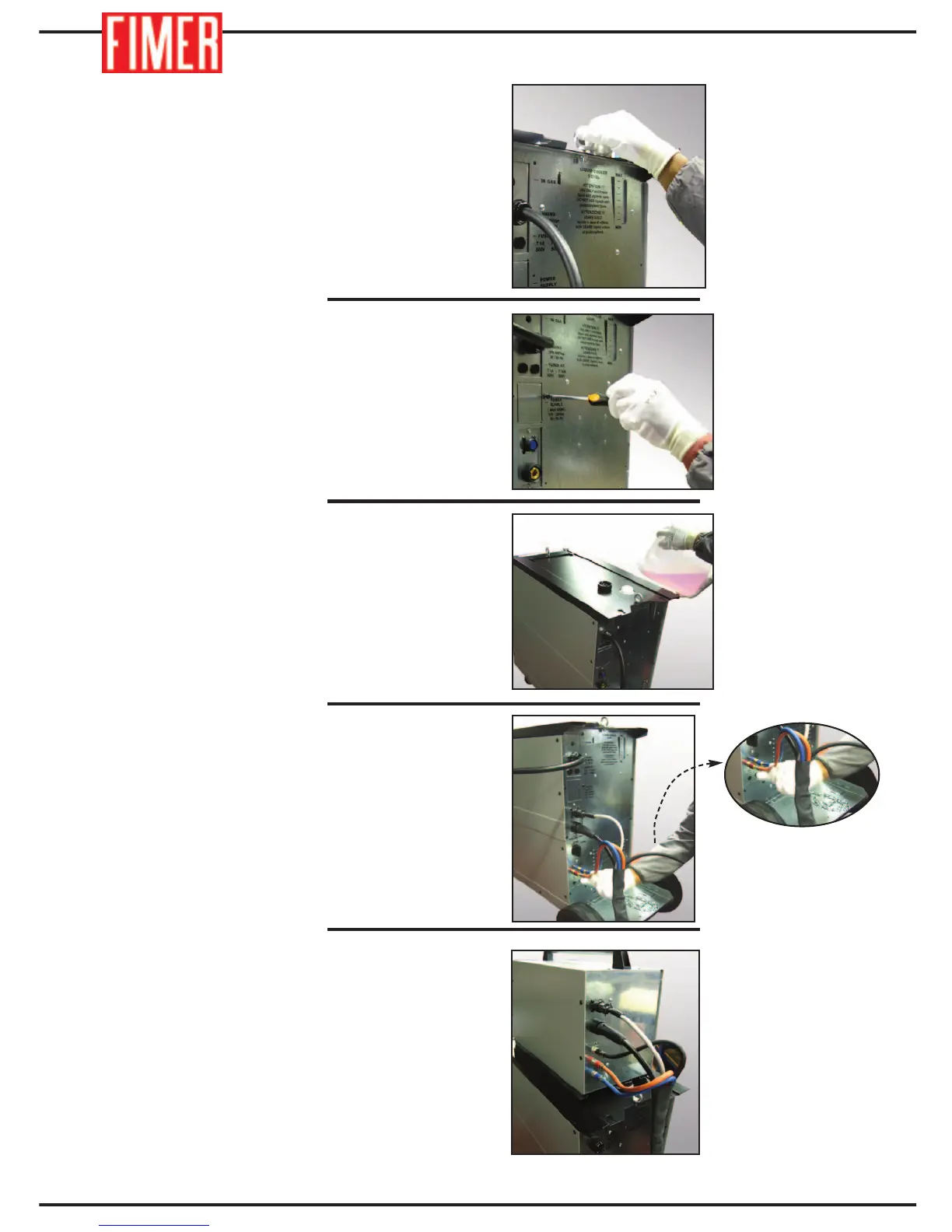
13. Replace the eyebolt.
14. Reinsert the 14 screws that were removed.
15. Fill the cooling circuit with cooling liquid.
16. Use a cable band to connect all the cables to
the back wall as shown in the figure.
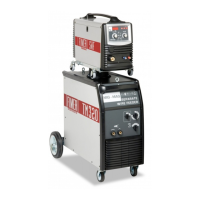
17. Attach the trolley separated from the
machine and connect the five cables wrapped
up in the band.
30


 To Next Page