32
4. Attitude ball
: Displays the drone head orientation, tilt angle, remote control position and
other information. Click to switch the map to display the aircraft in real time
Location.
5. Megaphone & Dispenser module
After the Megaphone with release-and-drop module is inserted into the aircraft, it
will be displayed after powering on.
: Megaphone
6. Metering Mode:Tap any place in the image interface for metering,
when appearing exposure lock button, click to lock the value.
7. Gimbal and Image Parameters
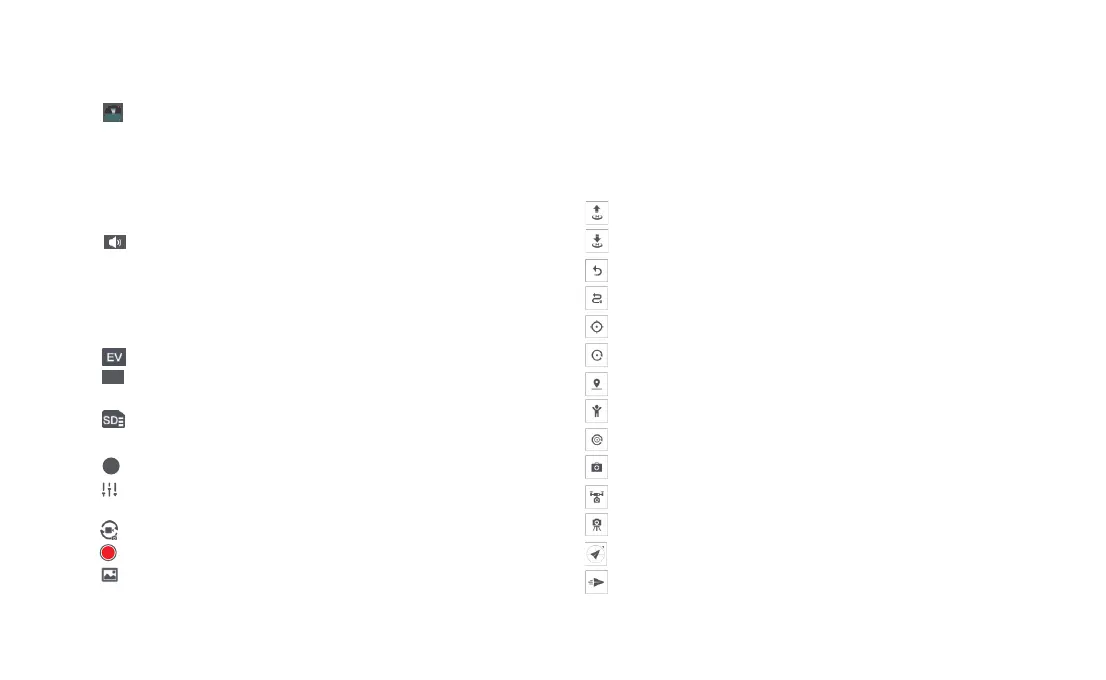
:Show the current EV value.
:Camera parameter settings, tap to set EV,ISO,shutter,video or photo mode,
resolution, video size, white balance, etc.
:Show the capacity of SD card and its residue.
8. Camera Operation Area
:Display the current zoom factor, click to enter zoom settings.
:Camera parameter settings, tap to set EV,ISO,shutter,video or photo mode,
resolution, video size, white balance, etc.
:Tap to switch between photo and video record.
:Tap to start/stop shooting photos or record videos.
:Media library, tap to download or preview videos and photos saved in Micro
SD card.
9. Intelligent Flight
Enter the intelligent flight page, where you can perform one-click auto takeoff,
landing, and return to home. It supports waypoint navigation, orbit mode,
waypoint flight, selfie mode, spiral flight, as well as shooting in tripod mode and
aerial photography mode.
:Auto Take-off
:Auto Landing
:Auto Return
:Waypoints
:Smart Track, including Trace, Profile, Lock
:Orbit
:Tap-fly
:Dronie,including Rocket and Invert
:Spiral Mode
:SAR Mode
:Aerial Mode
:Tripod Mode
:Course Lock
:Fix-wing Mode
4K/30
1X



 To Next Page