14 15
Troubleshooting: When You Think, “Is It Broken?”
15
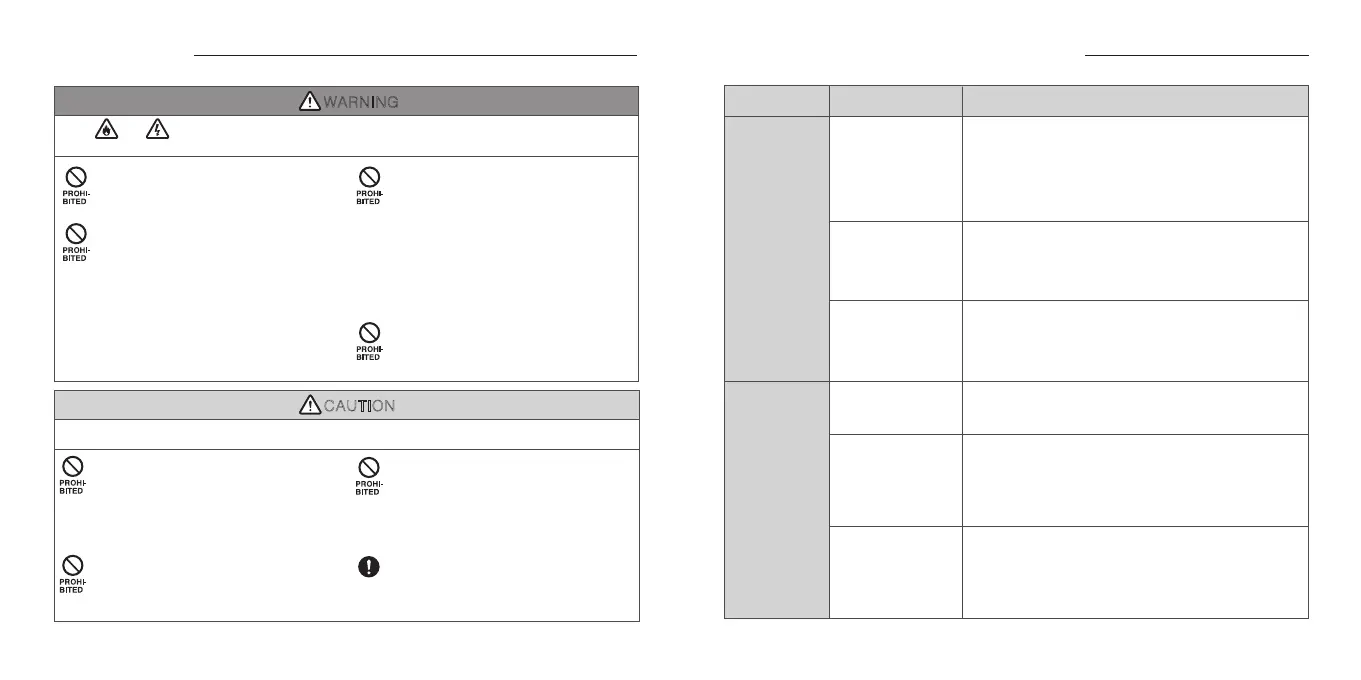
WARNING
Fire, electric shock, overheat, ignition may cause burn or serious injury.
Do not use the product while driving a car,
motorcycle, bicycle, etc.
Doing so may cause a traffic accident.
Do not use the product in places where it
would be dangerous if the surrounding
sound is not audible such as railroad
crossings, pedestrian crossings, station
platforms, etc. Listening at high volume
makes it difficult to hear surrounding
sounds. The product is equipped with
noise cancellation, it is difficult to hear
warning tones and other sounds, which
may cause accidents or injuries.
Do not allow water or foreign matter to get
inside the charging case and transceiver.
They are not waterproof. Water or foreign
matter may cause fire or electric shock.
If water or foreign matter should enter the
charging case, stop using it immediately.
Regularly check and ensure that no foreign
matter adheres to the terminals of the
charging case as it may cause overheat or
fire.
Do not charge the charging case while it is
covered by bedding or other covering.
The heat buildup may cause abnormal
overheat, which may result in a fire.
FLAMMABLE
ELECTRIC
SHOCK
CAUTION
May cause injury or damage to surrounding property.
Keep out of reach of children or persons
requiring supervision.
The product uses magnets and batteries.
Swallowing small parts may cause serious
symptoms such as choking hazard or
internal organ damage.
Do not use in medical institutions or around
people using medical equipment.
It may cause malfuntion to medical devices
such as pacemakers.
Do not listen at high volume for long
periods of time.
Prolonged use at excessive volume may
result in permanent hearing loss. Do not
exceed 40 hours/week at 80 dB (A) and 5
hours/week at 89 dB (A).
When using the earphones on board an
aircraft, follow the instructions of the flight
crew. Radio wave effects may cause an
accident.
MANDA
-
TORY
Safety Precautions
Earbud batteries
are depleted
(Immediately after
purchasing)
Battery level is low
Earbuds will
not turn ON
Earbuds will
not turn OFF
Problem RemedyCause
Please return the earbuds into the charging case to charge
them. (In case the charge in the charging case has run out,
please charge the charging case first.)
Please refer to “Charging” on P.3 regarding the method for
charging.
An error has occurred
due to improper
operation
In some cases, performing a reset operation may fix the
problem. Please refer to “Factory Reset” on P.10 regarding
the reset method.
For safety of transportation from overseas, laws and
regulations do not allow the internal battery to be fully
charged at the time of shipping. For that reason, voltage may
fall below the level required for operation at the time the
customer opens the package. Fully charging the battery
before use may relieve this inconvenience. Please refer to
“Charging” on P.3 regarding the method for charging.
Using ear tips other
than those included
as accessories
preventing the case
from fully closed
Charging case
battery level is low
(
LED Indicator does
not light up while
opening or closing
the case
)
Normally, if the earbuds are returned to an adequately
charged case, the earbuds will automatically turn OFF.
However, if ear tips other than provided are used, there are
cases in which they may interfere with the charging case and
cause the earbuds could not be turned OFF. Please check to
see whether the earbuds turn OFF by using original ear tips.
Normally, if the earbuds are returned to an adequately
charged case, the earbuds will automatically turn OFF.
If the earbuds do not turn OFF, the battery power level of the
charging case might be too low. Please try again after
charging the charging case. Please refer to “Charging” on P.3
regarding the method for charging.
If the LED Indicator on the charging case does not light up
while opening or closing the case, this indicates that the
charging case battery might have depleted. Please charge
the charging case. Please refer to “Charging” on P.3
regarding the method for charging.
Charging case
battery
is depleted


 To Next Page
 Loading...